Live category
Render production-quality on-model catalog photography of bikinis, one-pieces, and tankinis. Upload flat-lay swimwear photos and a model photo; receive a 4K judge-graded render of the model wearing the piece. Swimwear does a full garment swap — the model's original outfit is replaced entirely, not layered over.
This page covers what NotShot checks on every AI swimwear photo, what happens when a render fails, how to create your first swimwear images step by step, what a swim drop costs, and when another tool fits better.
Swimwear is where AI product photos usually go wrong. Straps change width, leg-lines drift, prints lose their scale, and skin turns plastic. A shopper buying a bikini is looking at exactly those details: how high the leg is cut, how wide the straps are, how much coverage the piece gives. An image that gets them wrong sells a different product.
So the swimwear path is judged on fit and coverage first, then on print and colour, then on skin and body realism. A render that looks attractive but changes the cut does not pass.
| Style | What can go wrong with AI | What the judge scores |
|---|---|---|
| Bikinis | Strap width and leg-line drift, coverage changes | Cut, strap width, leg-line and coverage against the flat-lay |
| One-pieces | Neckline, back or leg cut changes into a generic swimsuit | Fit and coverage accuracy versus the flat-lay |
| Tankinis | Top length or coverage changes | Coverage and fit accuracy versus the flat-lay |
| Printed and striped pieces | Print scale shifts as the fabric stretches | Colour and print fidelity on stretch fabric |
| Every piece | Plastic skin, smoothed bodies, anatomy errors | Natural skin and body rendering, no anatomy errors |
Swimwear and lingerie get an internal reroll. If a render fails the check, we generate it again before you see it. If it still fails, you get your credits back. More on how the judge and auto-refund work. Lingerie runs through the same kind of check: see AI lingerie product photography on model.
The images below are real NotShot renders. The before and after pair shows the flat-lay to on-model workflow on an overshirt; swimwear uses the same upload, render and judge steps.
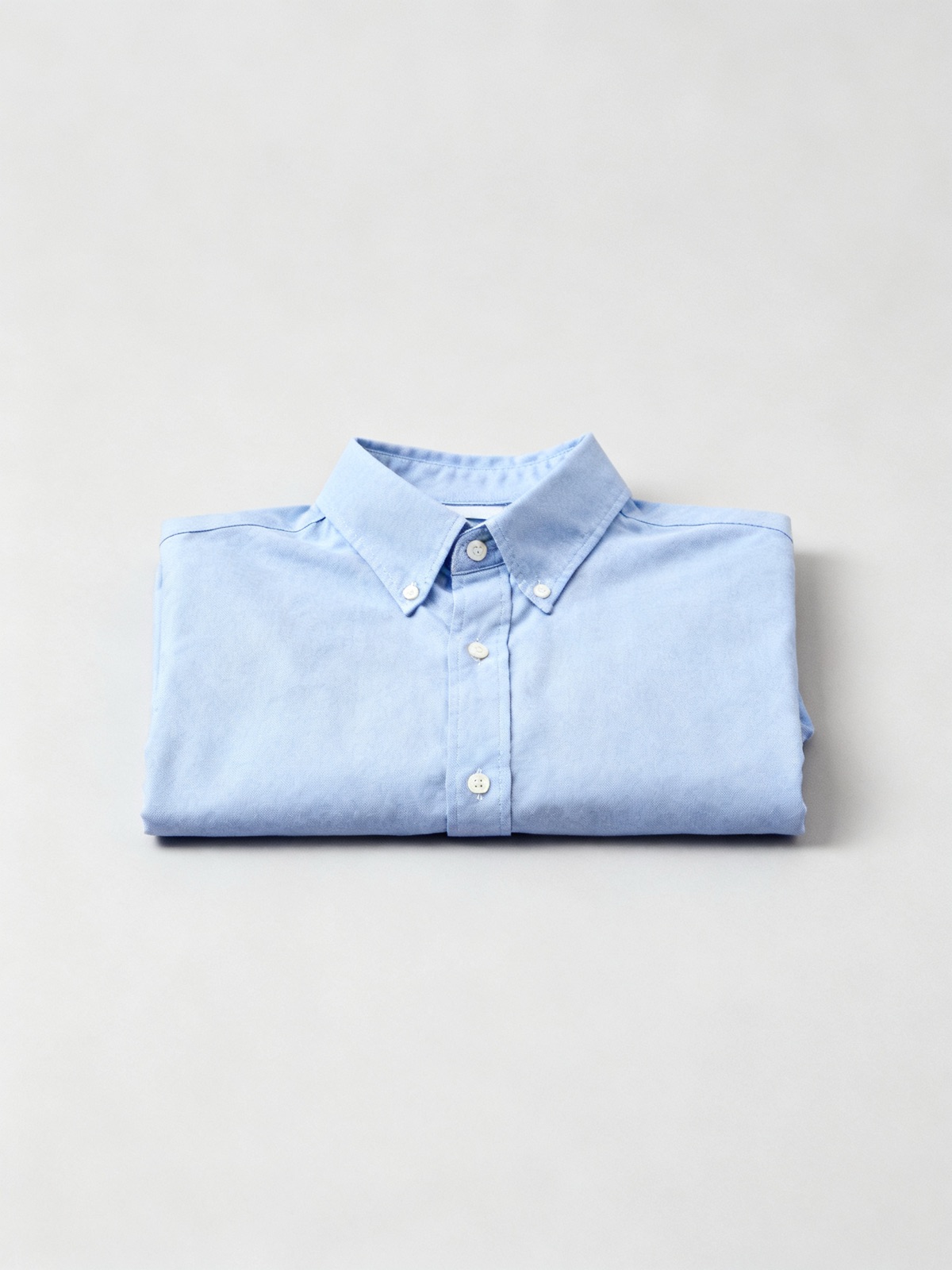
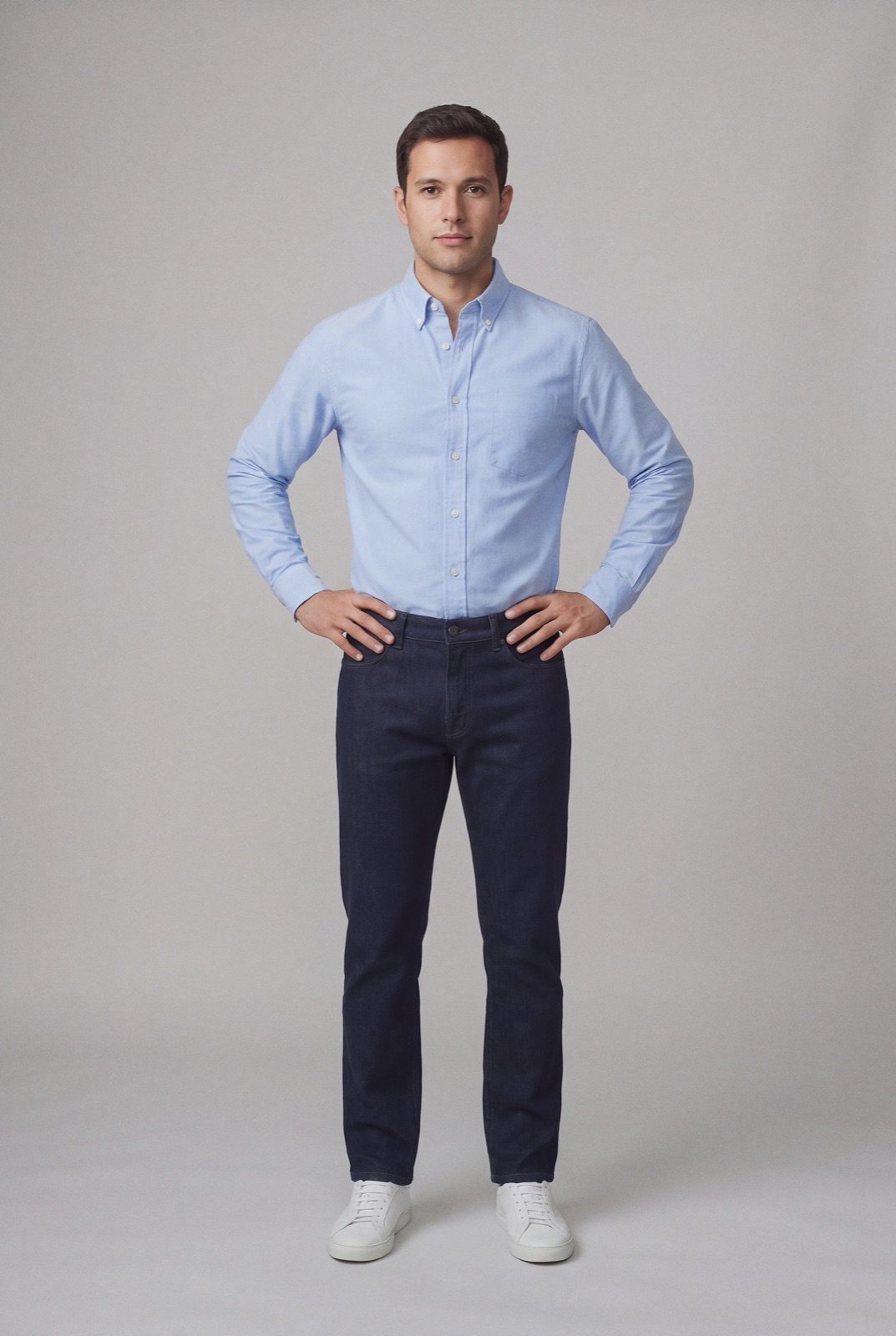
You can shoot on a model your brand owns, and the identity stays locked across renders, so a full swim line appears on one recognisable face. See uploading your own model and one AI model, every scene. For shorts and beachwear around the swim line, see AI shorts.
A flat-lay or product photo of the piece. For bikinis, include both the top and the bottom so the full set renders.
Model photo must be framed at least head-to-thigh so the piece renders in full. Headshots and chest-only crops are auto-rejected at upload.
Coverage and fit accuracy versus the flat-lay, colour and print fidelity on stretch fabric, natural skin and body rendering, no anatomy errors.
A shipped 4K render is 4 credits, $2.00 at the default rate of $0.50 per credit. Credit packs lower the per-image price:
| How you buy credits | Price | Per 4K render |
|---|---|---|
| Pay as you go (default rate) | $0.50 per credit | $2.00 |
| Credit pack | $29 for 100 credits | $1.16 |
| Credit pack | $99 for 400 credits | $0.99 |
| Credit pack | $299 for 1,500 credits | $0.80 |
A worked example: 15 swim styles in 2 colourways, one render each, is 30 renders or 120 credits. That is $60 at the default rate, or fits in one $99 pack of 400 credits with room for 70 more renders. See how NotShot credits work and what catalog photography costs a DTC brand.
AI bags photography · AI dresses photography · AI jackets photography · AI men's shoes photography · AI pants photography · AI shirts photography · AI shorts photography · AI sweatshirts photography · AI women's shoes photography
