Bagisto is a free, open source ecommerce and multi-vendor marketplace platform built on Laravel that you install on your own server. It does not ask for one upload size. Instead, it makes resized copies of every product photo for the product page, product cards and thumbnails. This page reads those sizes and the crop behavior from the Bagisto v2.5.0 source code, with the date we checked them, and turns them into settings for clothing photos. We make NotShot, an AI on-model photo tool, so we also cover where on-model images fit.
We checked Bagisto v2.5.0, the latest release on GitHub when we looked on 1 November 2026. Its image cache config names three core templates, small, medium and large, and each one has a filter with fixed sizes for product images:
Which size goes where comes from the product page gallery and the product card templates in the default shop theme. A custom theme can declare its own templates, so check your theme if your store does not use the default one.
All three filters call the cover method of the Intervention Image library. The Intervention Image 4.2.0 interface describes it as cropping and resizing the image to cover the given dimensions exactly. Bagisto does not add bars around a photo of a different shape. It scales the photo until it fills the box and cuts off what sticks out, keeping the center.
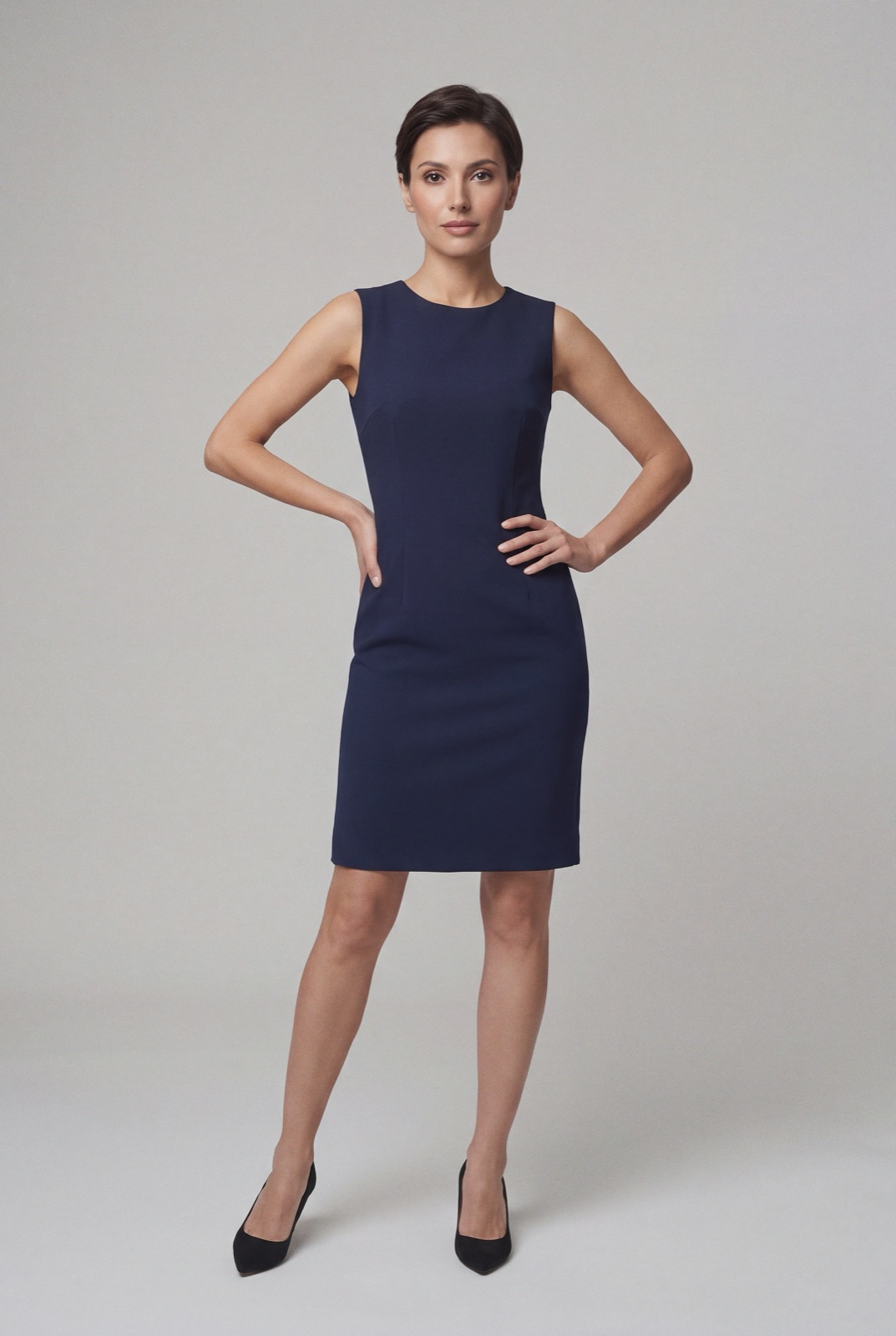
The large and medium boxes are close to square, while a full length photo of a standing model is much taller than it is wide. So on the product page and on product cards, a 3:4 portrait photo loses part of its top and bottom, and the 100 × 100 thumbnail crops it even more. For clothing, that can cut off a head or a hem. Two ways to handle it:
Every product image also keeps an original URL next to the three sizes. In v2.5.0, the product page gallery passes that original file to its image zoomer, so a shopper who opens the zoom sees your upload at full size. Upload a large, sharp file, such as a portrait of 1200 × 1600 pixels or more, so fabric and stitching hold up when zoomed.
The admin product form in Bagisto v2.5.0 accepts bmp, jpeg, jpg, png and webp files for product images. Each image can have its own alt text of up to 255 characters, which Bagisto uses on the storefront. JPEG or WebP is the usual pick for clothing photos.
The order matters too. In the Bagisto product image code, the first gallery image is the base image, the one shown on product cards and first on the product page.
Running another platform too? Compare Spree product image size for clothing, Sylius product image size for clothing and OpenCart product image size for clothing. For lighting and backdrops, see our clothing product photography guide.
Bagisto sets no rule against models in product images, so on-model photos can sit next to your packshots in the gallery. Check each marketplace's own rules before you sell there. NotShot renders your garment on your own model from the product photo you already have, and every render is checked by an AI judge that compares it with your upload for color, print and cut. Renders below the quality bar are refunded automatically, so you pay for photos that pass the check, not for attempts. Plans are on the pricing page.
