Sylius is an ecommerce framework for PHP, built on Symfony, and its official introduction describes it as open source under the MIT license. The public Sylius docs do not publish an image size table, so this page reads the defaults from the Sylius 2.3.2 source code, the latest Sylius release on GitHub when we checked on 1 November 2026, and turns them into settings for clothing photos. We make NotShot, an AI on-model photo tool, so we also cover where on-model images fit.
Sylius stores the image you upload and creates resized copies with the LiipImagine bundle. The shop configuration in Sylius 2.3.2 defines these product sizes, each saved as WebP at quality 80:
All three resized product sizes are 3:4, a portrait shape that suits a standing model. The same file also defines a 1200 × 300 size for category (taxon) images. These are the defaults of the Sylius shop, so a custom theme or a developer can change them. Check your own project before you export.
On the product page, the default image template shows the first product image at the large thumbnail size, 1200 × 1600, and links it to the original upload. On product cards, such as category pages, the main image component uses the 600 × 800 thumbnail size. It picks the first image with the type thumbnail, and falls back to the first image if none has that type.
That gives you two levers in the admin. The order of the images decides the main image on the product page, and the Type field on each image lets you set a different image for product cards, for example a front view on the card and a styled on-model shot on the product page.
All default product sizes use the thumbnail filter with the outbound mode. The LiipImagine docs on thumbnails say that outbound crops the image as required, while inset resizes without cropping. In practice, a photo in another shape is cut to 3:4, so a square or landscape photo loses part of its sides, and a very tall photo loses part of its top or bottom. For clothing, that can cut off heads, hems or shoes.
The simplest fix is to shoot or export every product photo in 3:4, at 1200 × 1600 pixels or more, with the garment centered and some space around it.
The product image validation in Sylius 2.3.2 sets a maximum of 10 MB per image, and a bigger file is rejected with a message that the image is too big. The core configuration accepts image/jpeg, image/png, image/gif and image/webp by default, through the allowed_images_mime_types setting, which a developer can change. For clothing photos, JPEG is the usual pick, and Sylius converts the resized copies to WebP anyway.
The Sylius docs on a first product explain that a configurable product has options such as size and color, and each combination is a variant. In the admin form for a product image, you can pick the product variants that image belongs to, so each color can show its own photos. On the product page, the default shop uses that link to match images to the selected variant.
Running another platform too? Compare Shopware product image size for clothing, Magento product image size for clothing and Medusa product image size for clothing. Running Spree too? See Spree Commerce product image size for clothing. Running Bagisto too? See Bagisto product image size for clothing. For lighting and backdrops, see our clothing product photography guide.
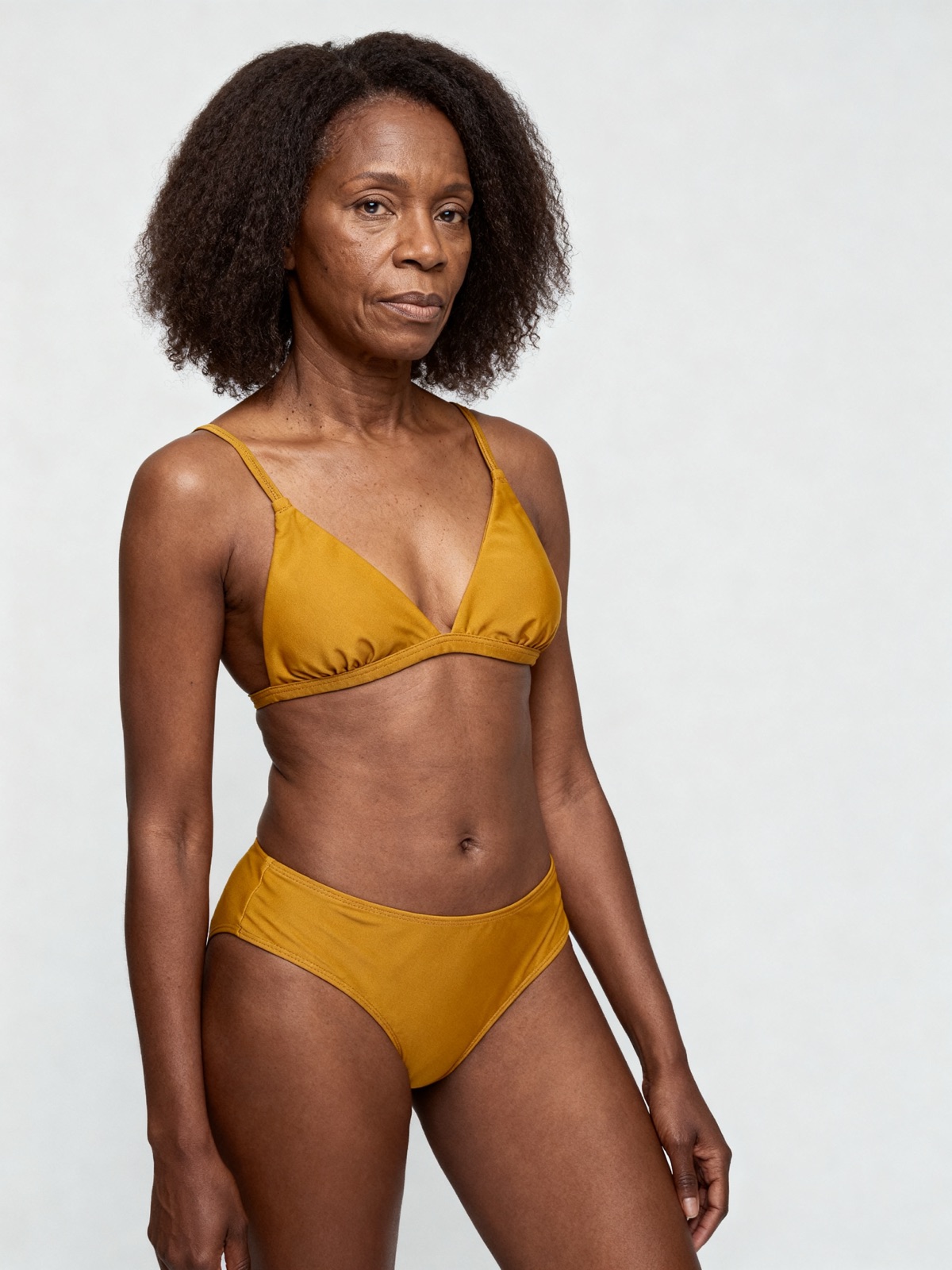
The Sylius docs set no rule against models in product images, so on-model photos can sit next to your packshots and variant images. Check each marketplace's own rules before you sell there. NotShot renders your garment on your own model from the product photo you already have, and every render is checked by an AI judge that compares it with your upload for color, print and cut. Renders below the quality bar are refunded automatically, so you pay for photos that pass the check, not for attempts. Plans are on the pricing page.
