Good clothing photos come from a simple, repeatable setup more than from expensive gear. This guide covers what you need, how to light garments, which background to use, and how to choose between flat lay, ghost mannequin and on-model shots. Marketplace rules are quoted from the official guides with the date we checked them. We make NotShot, an AI on-model photo tool, and say where it fits at the end.
You need less than you think:
Write the setup down: camera height, distance, light positions, settings. Shooting the next drop with the same setup is what makes a catalog look consistent.
Amazon's clothing style guide sums it up: photograph garments in natural or soft continuous light, avoid black and white photography, and avoid heavy retouching, filters, borders and watermarks (Amazon Clothing and Accessories image style guide, checked 1 November 2026). In practice:
White is the safe default. On Amazon it is required: main images must have a pure white background, RGB 255, 255, 255 or hex #FFFFFF (Amazon style guide, checked 1 November 2026). For your own store you have more freedom. Light gray and soft neutrals look calm and keep the focus on the garment; textured or colored backgrounds work for lifestyle and campaign images but distract on a product grid. Whatever you pick, use the same background for every product in a collection.
Shooting on white gives you options later, because removing or replacing a clean white background is easy with the editing tools in best AI tools for editing ecommerce photos.
Shoot larger than you need and export per channel. Shopify accepts product images up to 5000 x 5000 px or 25 megapixels, under 20 MB, and says that for square product images 2048 x 2048 px usually displays best (Shopify Help Center, checked 1 November 2026). Amazon's clothing guide asks for at least 1,000 px and at most 3,900 px on the longest side (Amazon style guide). Details per platform: Shopify product image size, Amazon fashion image requirements and Zalando image requirements. Selling on Etsy? See Etsy photo requirements for clothing sellers. Selling on eBay? See how to photograph clothes for eBay. Selling on Poshmark? See Poshmark photo size for clothing. Selling on Walmart? See Walmart image requirements for clothing sellers. Running Google Shopping ads? See Google Shopping image requirements for clothing. Running a WooCommerce store? See WooCommerce product image size for clothing. Selling on TikTok Shop? See TikTok Shop product image size for clothing. Comparing AI tools? See the best AI tools for ecommerce product photography in 2026.
Flat lay is the photograph from above, with the garment laid flat and facing the camera, as Amazon's guide defines it. It is the cheapest to shoot and works well for T-shirts, knitwear and kids' clothes, but it does not show fit.
Ghost mannequin shoots the garment on a mannequin and removes the mannequin in editing, so the garment keeps its 3D shape. It needs a mannequin with removable parts and more editing time. See ghost mannequin alternatives.
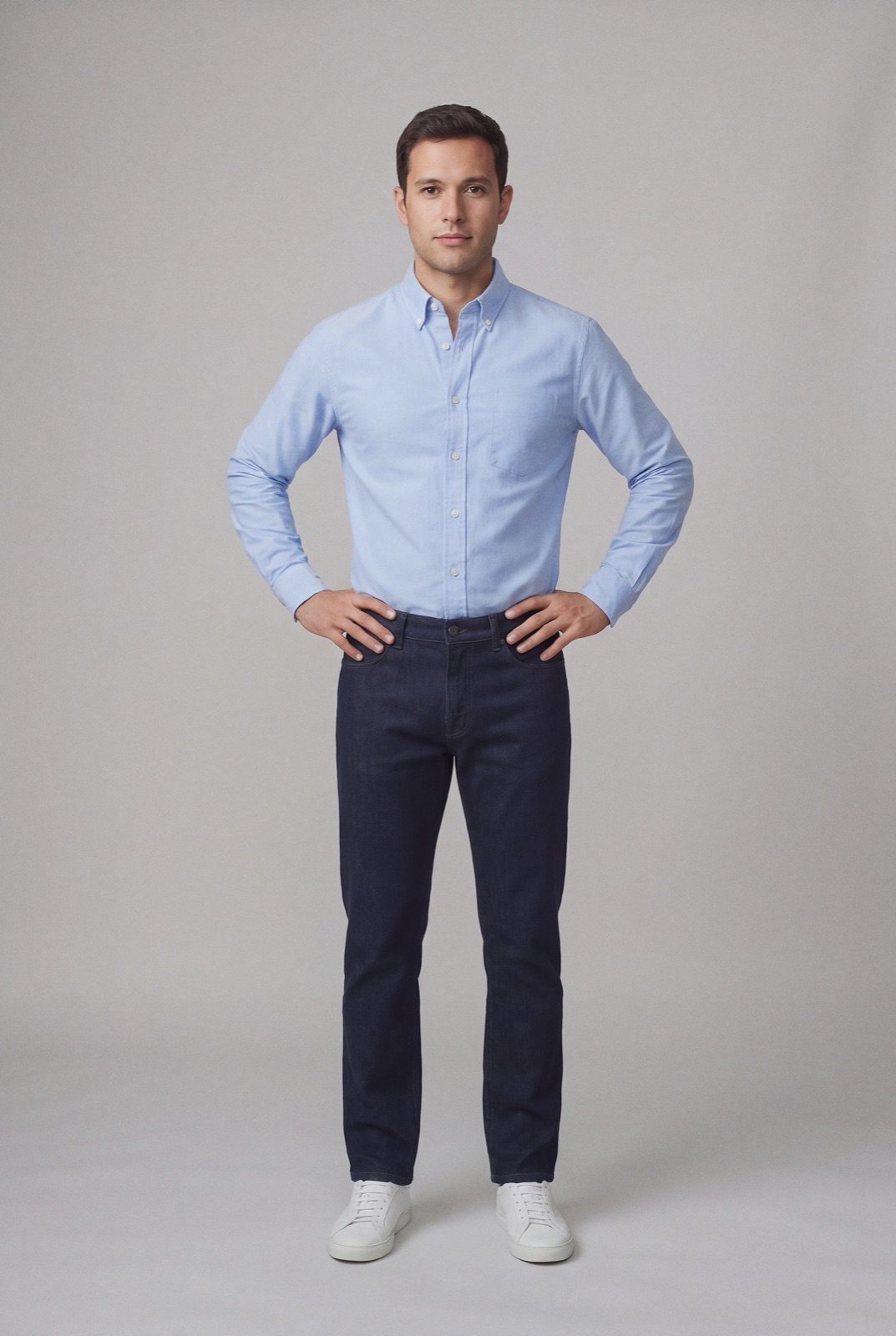
On a model shows fit, drape and scale best, which is what shoppers look for before they order. It also costs the most: a model, a stylist, a studio and a full shoot day for every collection.
Many stores combine them: a flat lay or ghost mannequin for the main image, on-model photos for the rest of the gallery. For a closer look at that choice, see mannequin vs model for clothing photos.
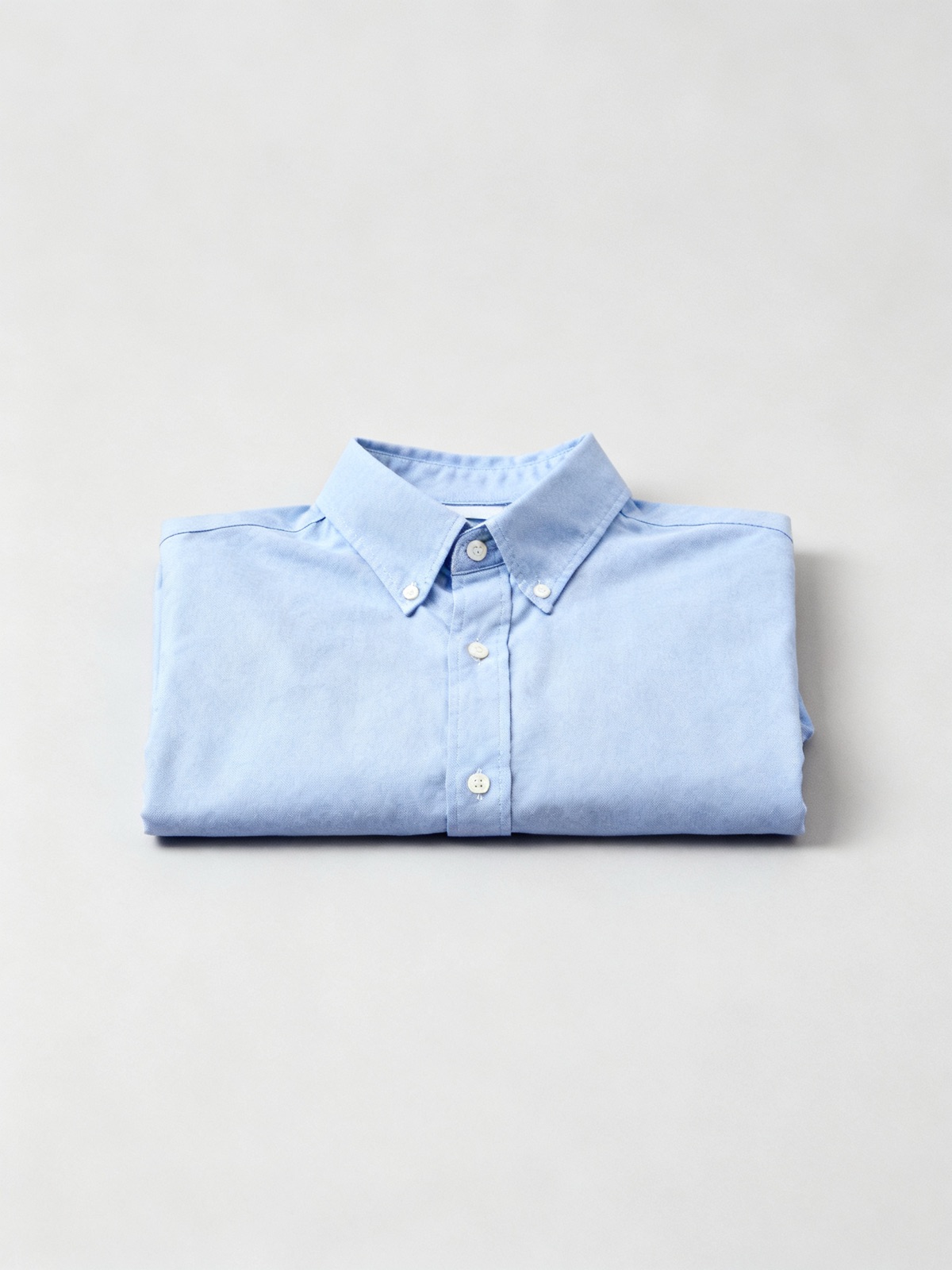
If you cannot book a model, a flat lay or ghost mannequin shot still gives you clean product images. The gap is fit. AI on-model tools close that gap by rendering your garment on a model from the product photo you already have, like the shirt at the top of this page. Read more in product photos without a model and flat lay to model.
Shoot your product once with the setup above, then let NotShot put it on your own model, so every item in the catalog is worn by the same person. Each render is checked by an AI judge that compares it with your upload for color, print and cut. Renders that fail the check are refunded automatically, so you pay for photos that pass, not for attempts. Plans are on the pricing page.
