Most product photos need some editing before they go live: a clean background, consistent light, the right crop for each marketplace. AI editing tools now do most of that in seconds. This list covers the ones ecommerce teams ask us about most, what each is good at, and what you can try for free. We make NotShot, which is not an editor, so we've kept it out of the ranking and explain at the end where it fits.
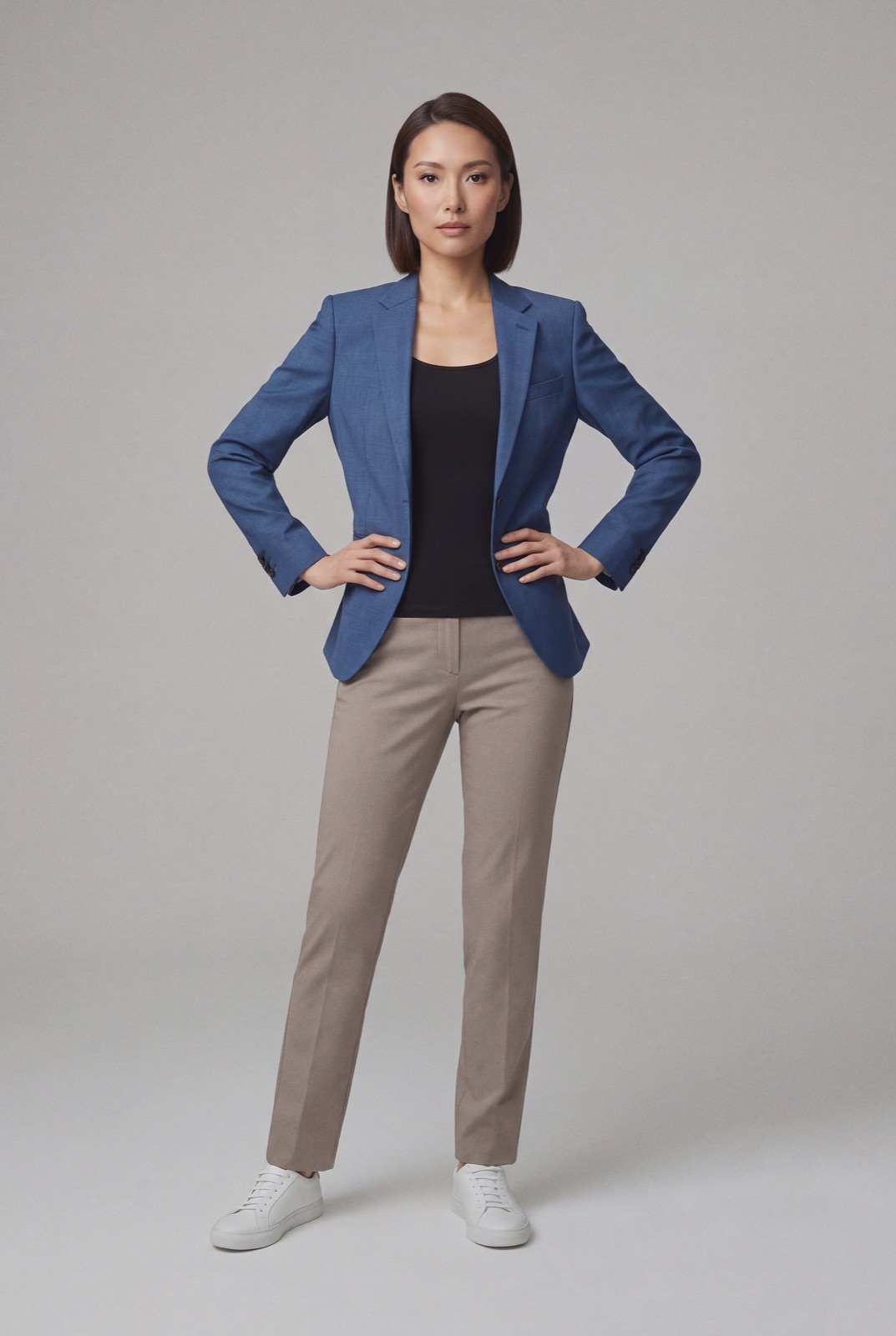
An AI photo editor works on an existing image. It removes or replaces the background, fixes color and light, upscales, and resizes for each channel. An AI photo generator makes a new image, for example your garment on a model when you only have a flat lay or ghost mannequin shot. For product listings you usually want both: edited packshots for the main image and on-model photos for the rest of the gallery. If you only need the second, see flat lay to model.
Free-plan details below come from each vendor's own pricing page, checked on 1 November 2026. Plans change often, so check the page before you buy.
A general product photo editor with background removal, AI backgrounds, templates and batch editing. There is a free trial, and the Pro plan is $7.50 a month billed yearly (photoroom.com/pricing, checked 1 November 2026). Fashion brands comparing it with on-model tools can read Photoroom alternatives and Photoroom vs NotShot.
A fast editor for background removal, cleanup and upscaling. It has a free plan without a watermark, and Pro is $10 a month or $8 a month billed yearly (pixelcut.ai/pricing).
Adobe's generative model, best for generative fill, extending a canvas and creative variations, and a natural fit if your team already works in Photoshop. The free tier includes a number of generations each day, and the Standard plan is $9.99 a month (adobe.com Firefly plans).
Does one thing: removes backgrounds, cleanly and quickly, with an API for volume. You get one free credit plus free preview images, and paid credits after that (remove.bg/pricing).
An API-first tool for enhancing and standardizing product images at catalog scale. It offers 50 free trial credits (claid.ai/pricing). See Claid alternatives and Claid vs NotShot.
If you mainly need clean white or transparent backgrounds, start with remove.bg or Pixelcut. If you need one tool for every product category with templates and batch work, Photoroom. If your team lives in Adobe apps and wants creative edits, Firefly. If you process thousands of images through your own systems, Claid's API. For tools that generate new product photos instead of editing them, see the best AI tools for ecommerce product photography in 2026. For the bigger picture, including the new AI labeling rules, see e-commerce product photography trends for 2026.
None of these editors gives you a fashion catalog where the same model wears every item. That is a generation job. NotShot takes your product photos and your own model, renders the garment on that model, and runs every render past an AI judge that compares it with your upload. Renders below the quality bar are refunded automatically, so you pay for photos that pass the check, not for attempts. That check is what our pricing is built around. Many teams edit packshots in one of the tools above and use NotShot for the on-model images.
