Live category
Render production-quality on-model catalog photography of hoodies, crewneck sweatshirts, and pullovers. Upload a flat-lay garment photo and a clothed model photo; receive a 4K judge-graded render of the model wearing the sweatshirt with their existing bottom preserved.
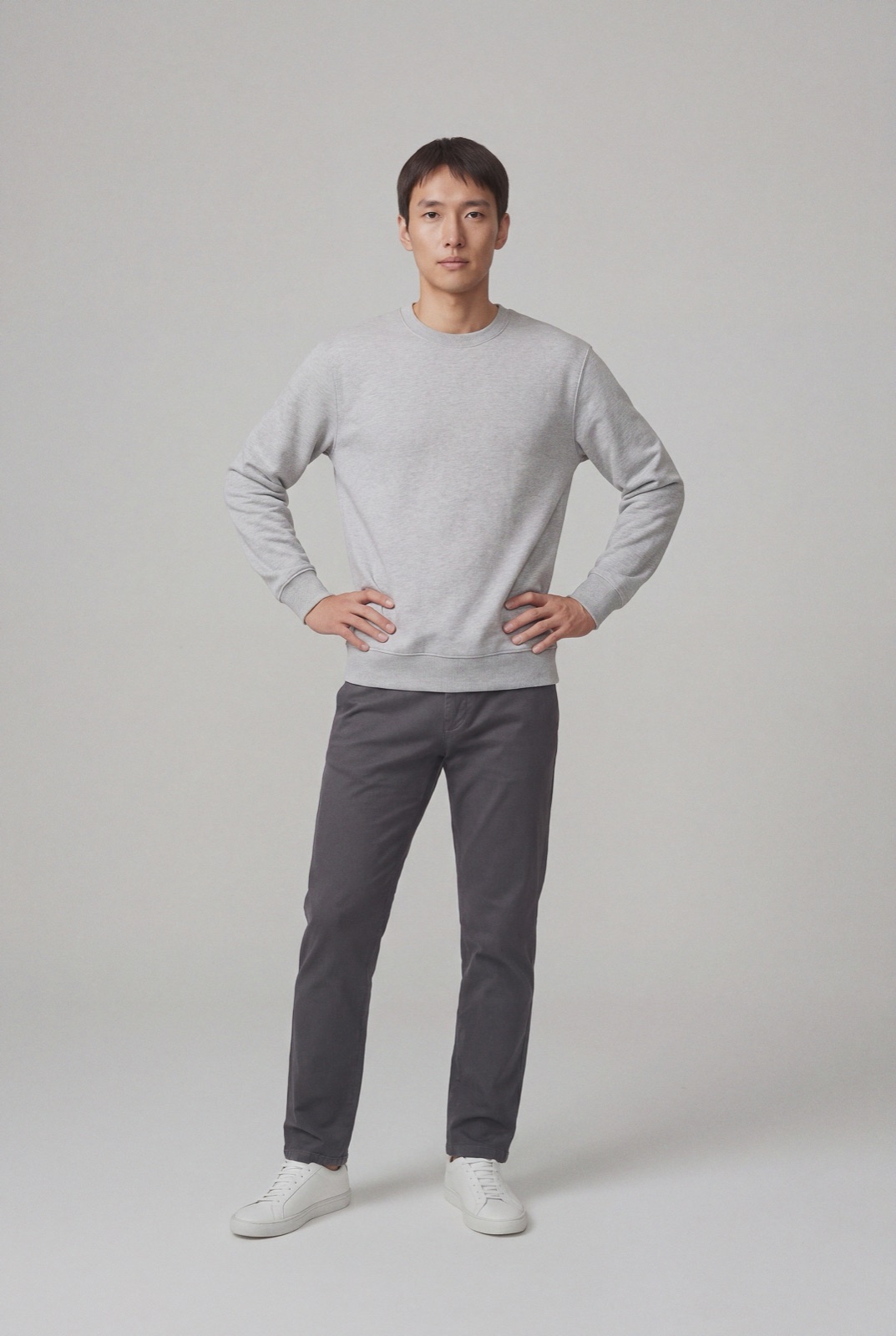
Model photo must be framed at least head-to-thigh. Headshots and chest-only crops are auto-rejected at upload.
Hood / drawstring geometry, neckline ribbing, sleeve length, front-print registration, fabric drape consistency with the source flat-lay, bottom-preservation.
Lay the sweatshirt on a plain, even background and shoot it from directly above in soft light. Smooth the body and sleeves so the ribbing at the neck, cuffs and hem lies flat, and pull the hood out so its shape is visible. Keep both drawstrings straight and the same length, and make sure any print or embroidery is fully in frame and in focus. A wrinkled or folded flat lay gives the render less to work from, and the judge compares the result against exactly this photo.
Crewnecks mostly come down to neckline ribbing, sleeve length and print placement. Hoodies add the hood, the drawstrings and often a kangaroo pocket, all of which need to keep their shape and position on the body. For a step by step guide, read AI hoodie product photography, or see the flat lay glossary entry.
AI bags photography · AI dresses photography · AI jackets and coats photography · AI men's shoes photography · AI pants photography · AI shirts photography · AI shorts photography · AI swimwear photography · AI women's shoes photography