Every photo in an Etsy listing has an alt text field: a short written description that screen readers read aloud and that search engines can read, but that shoppers never see on the page. For a clothing listing with a front view, a back view, details and a size chart, that is several small descriptions, and Etsy now fills them in with AI if you leave them blank. This page collects what Etsy Help says about alt text, quoted with the date we checked it, and shows how to write it for clothing. We make NotShot, an AI on-model photo tool, so we also cover where on-model images fit.
Etsy's help article How to Add a Text Alternative to Your Listing Images (checked by us on 1 November 2026) says:
The same article says Etsy might add alt text to US sellers' listing images, that if you don't provide a text alternative Etsy will automatically add a description using AI generated text, and that images which already have alt text will not be altered. Alt text added by Etsy can be edited at any time, and if you don't want Etsy to add it, you add your own (checked 1 November 2026).
For clothing, an automatic description may get the basics right and still miss what a buyer needs: the fabric, the cut, the length on the body, which view this is. Writing your own keeps the description accurate and in your words.
From the same article, on Etsy.com: sign in, go to Shop Manager, select Listings, select a listing, select the photo, describe the image in the Alt text section and choose Apply. In the Etsy Seller app: go to Listings, select a listing, select the pencil icon in the Photo and video section on the Listing tab, select the Alt text icon, choose the image, describe it and choose Save (checked 1 November 2026).
Etsy's best practices are to describe the item's details, meaning what it looks like, its texture and its scale in relation to other items in the photo, and to think about what buyers would lose out on if your images didn't load. Etsy adds that it is especially useful to describe different views, details or variations, so each image has different alt text. For a garment, that turns into a simple order:
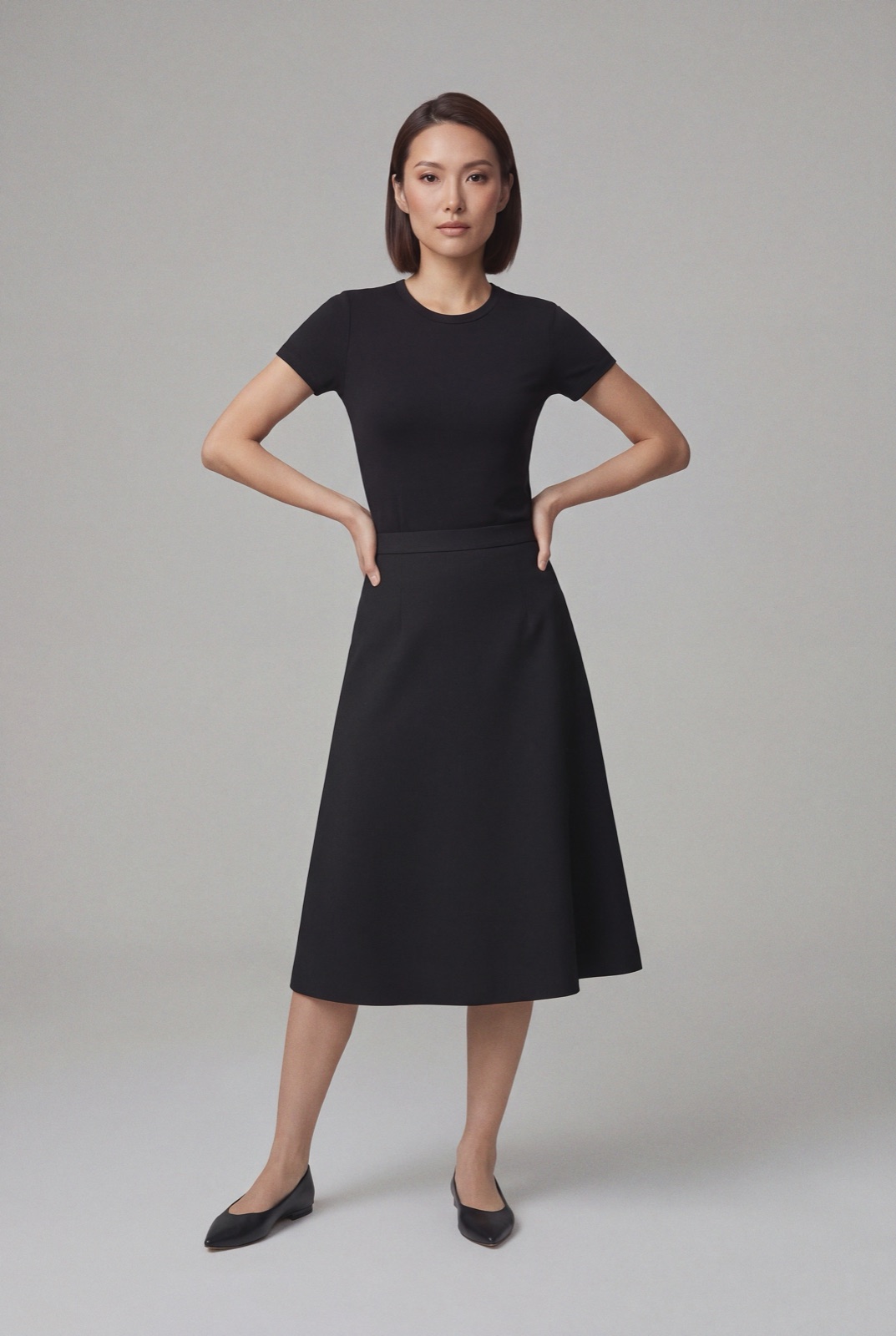
Here is alt text for three photos of the skirt above, each under 250 characters:
For a size chart image, Etsy says to describe the chart in as much detail as possible, or to put the size chart in your listing description instead. For clothing, the description is the better home, since a buyer can read the numbers there whether or not they can see the image.
Etsy says adding your shop name, listing title, listing description or other attributes such as tags and SKUs to alt text brings no additional SEO benefit, because those are already part of your shop or listing pages. Alt text describes the photo for someone who can't see it, and that can include search engine bots (checked 1 November 2026). So skip the keyword list. Describe the photo, and let your title and tags do the keyword work.
For photo rules and sizes, see Etsy photo requirements for clothing. Adding video too? See Etsy listing video requirements for clothing. For lighting and backdrops, see our clothing product photography guide.
Good alt text describes what is in the photo, so it only helps when the photo shows the garment as it really is. NotShot renders your garment on your own model from the product photo you already have, so a listing can have front, back and detail views on a model without a shoot. Every render is checked by an AI judge that compares it with your upload for color, print and cut, so the color you write in the alt text is the color in the picture. Renders below the quality bar are refunded automatically, so you pay for photos that pass the check, not for attempts. Plans are on the pricing page.
