nopCommerce is an ecommerce platform built on ASP.NET Core, and its README on GitHub describes it as free and open source. Image sizes in nopCommerce are store settings, not fixed rules, and each one is a single number for the longest side of the image. This page reads the defaults and the resize behavior from the nopCommerce 5.00.0 source code, the latest nopCommerce release on GitHub when we checked on 1 November 2026, and turns them into settings for clothing photos. We make NotShot, an AI on-model photo tool, so we also cover where on-model images fit.
In the admin, the sizes live under Configuration, Settings, Media settings. The install data in nopCommerce 5.00.0 sets these values in a fresh store:
The same install data sets 450 pixels for category images, 80 pixels for cart and order thumbnails and 70 pixels for the mini cart. A store that was set up earlier, or a theme, may use other values, so check your own Media settings.
Each size is a single number, not a width and a height. The picture service in nopCommerce 5.00.0 scales the longest side of the image to that number and keeps the proportions. For a portrait photo, that is the height. Nothing is cropped, so heads, hems and shoes stay in the frame, whatever the shape of your photo.
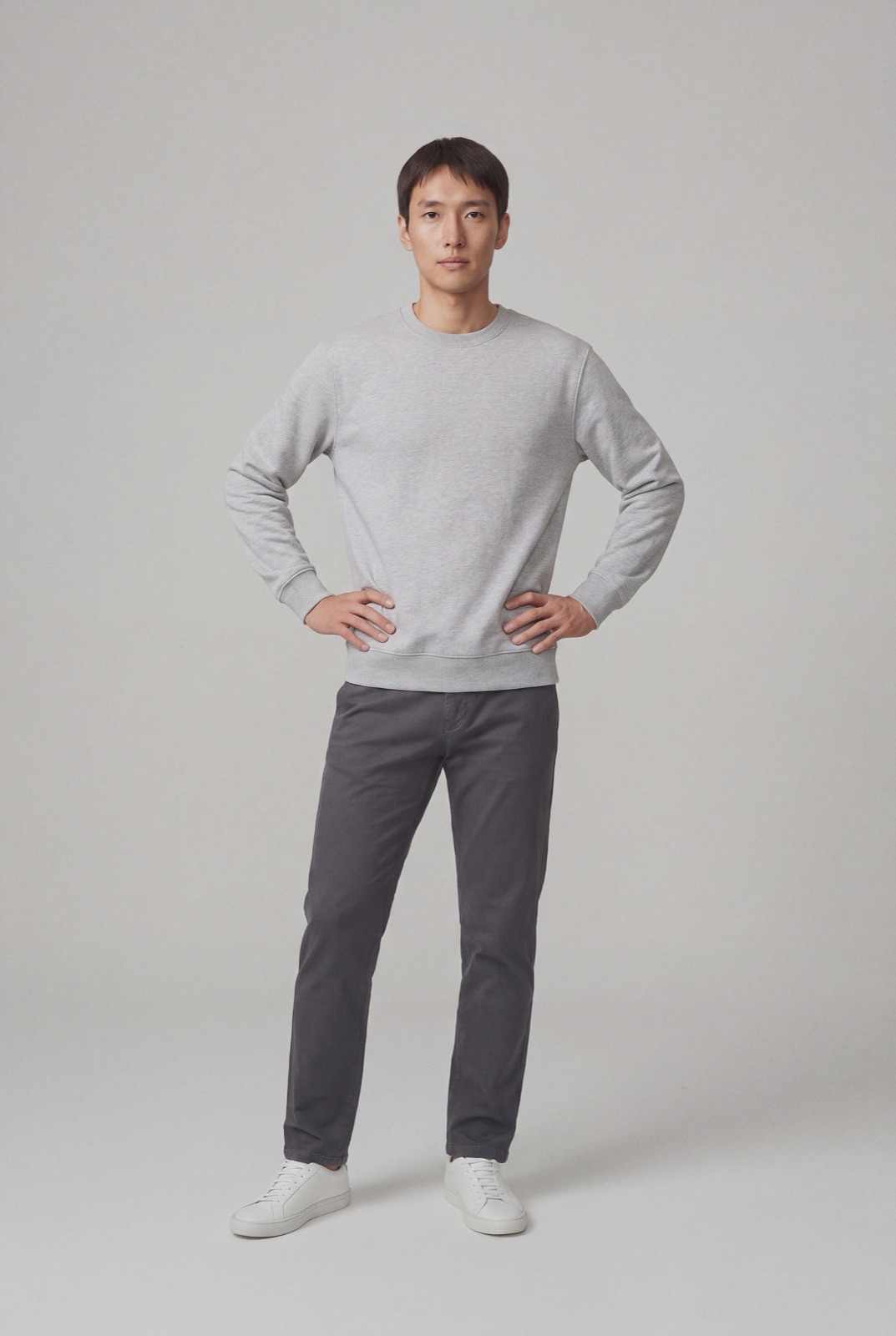
The trade off is that photos of different shapes end up at different sizes. At the default 550 pixels, a 3:4 photo shows at 412 × 550, while a square photo shows at 550 × 550. On a category page, a mix of portrait and square photos can look uneven, so pick one shape for all your clothing photos. 3:4 portrait suits a standing model.
The same code also resizes when the original is smaller than the target, so a small upload is scaled up and can look soft. Upload photos larger than your biggest display size.
According to the media settings code, if a picture larger than the Maximum image size is uploaded, it is resized. In nopCommerce 5.00.0 that means the longest side is scaled down to 1980 pixels by default when the picture is saved. A 3:4 photo of about 1485 × 1980 pixels is the largest that fits without being resized, and leaves room for a store that later raises its display sizes or turns on zoom.
The upload code in the same picture service accepts BMP, GIF, WebP, JPEG, PNG and TIFF files. SVG is accepted only when the setting Allow SVG uploads in admin area is on, and it is off in a fresh install. For clothing photos, JPEG is the usual pick. Resized copies are saved at an image quality of 80 by default.
nopCommerce sorts the pictures of a product by their display order. The first one is the main picture on the product page and the picture on product cards, so put your best front or on-model view first.
Running another platform too? Compare OpenCart product image size for clothing, Sylius product image size for clothing and PrestaShop product image size for clothing. For lighting and backdrops, see our clothing product photography guide.
nopCommerce sets no rule against models in product images, so on-model photos can sit next to your packshots. Check each marketplace's own rules before you sell there. NotShot renders your garment on your own model from the product photo you already have, and every render is checked by an AI judge that compares it with your upload for color, print and cut. Renders below the quality bar are refunded automatically, so you pay for photos that pass the check, not for attempts. Plans are on the pricing page.
