An eBay Store has its own banner, which eBay calls the billboard, plus a logo, a clickable marketing banner and images for featured categories. Each one has its own size in eBay's help pages. This page collects those sizes from eBay's own Help Center, quoted with the date we checked them, and turns them into a storefront plan for a clothing seller. We make NotShot, an AI on-model photo tool, so we also cover where on-model images fit.
eBay's help article Manage your eBay Store (checked by us on 1 November 2026) lists these sizes:
By our own math, 1280 x 290 is about 4.4:1, a very wide strip. A single portrait photo of a model fills only a small part of it, so a clothing billboard usually works best as a wide crop of one scene or as several on-model photos placed side by side.
From the same eBay page, checked 1 November 2026: the billboard is displayed as a banner at the top of your storefront, and you can use a standard or carousel billboard. The standard billboard features a single image, while the carousel billboard displays multiple elements, such as images and videos. To activate the carousel, you must have at least two of these saved: a store billboard image, a store video or a store description. If they are not available, the carousel option is disabled and your store defaults to a standard single image billboard or no billboard at all.
To add a billboard, eBay says to select the Store tab in Seller Hub, choose Edit store in the left menu, select Add billboard image, and within the Tell your story tab choose between carousel and standard.
eBay does not publish how the billboard crops on a phone, so check your storefront on a phone after you upload it, and keep text and faces away from the edges of the strip.
The same page says the clickable marketing banner can point to a promotion, a category or a specific listing, with a title and description you write. Featured categories can use an eBay or a Store category, and categories need at least one active listing to be displayed on the storefront. You can create up to 300 Store categories and add up to 4 rows of featured listings, with row titles such as Featured listings, Best Sellers, Just In and Items on Sale (checked 1 November 2026).
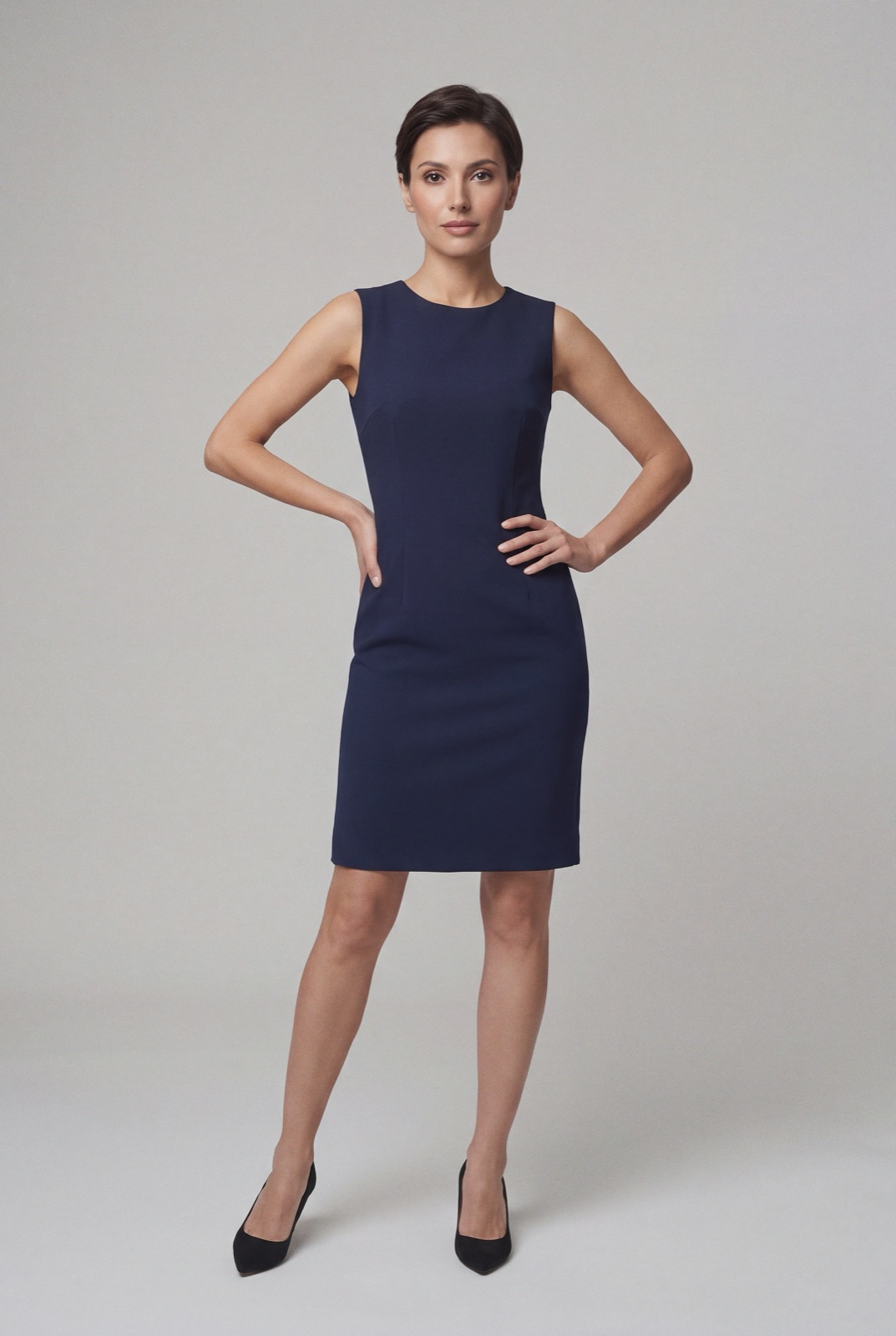
For clothing, Store categories map well to how shoppers browse: dresses, tops, knitwear, outerwear. Give each featured category a 300 x 300 image of one garment on a model, cropped the same way, so the category row reads as one set.
For the listing photos themselves, see how to photograph clothes for eBay. Selling on Etsy too? See Etsy banner size. Running your own store? See Shopify collection image size. For lighting and backdrops, see our clothing product photography guide.
A billboard, a marketing banner and a row of featured categories all need on-model photos that look like one shoot, and most eBay clothing sellers do not book a model for every new batch of stock. NotShot renders your garment on your own model from the product photo you already have, so the billboard, the category images and the listing photos can share one model and one background. Every render is checked by an AI judge that compares it with your upload for color, print and cut, so the storefront shows the colors buyers receive. Renders below the quality bar are refunded automatically, so you pay for photos that pass the check, not for attempts. Plans are on the pricing page.
