A Shopify clothing store shows two kinds of images on a collection page: the collection image you add to the collection itself, and the grid of product images below it. Shopify does not publish one fixed collection image size, because the way images display depends on your theme. It does publish upload limits, a recommended product image size, and clear advice on aspect ratio and cropping. This page collects what Shopify's own Help Center says, quoted with the date we checked it, and turns it into a photo plan for clothing collections. We make NotShot, an AI on-model photo tool, so we also cover where on-model images fit.
Shopify's product media types page (checked by us on 1 November 2026) sets the limits for collection images and product images together:
Shopify's manual collections article (checked 1 November 2026) says you add the collection image in the Collection image section with Add image, and points to the product media types page for the sizes you can use. You can change it later from the collection page in your admin, as described in Editing collection details and layout.
Shopify's theme images page (checked by us on 1 November 2026) explains that sections such as image banners and full-width sections display images in an image area whose shape is set by the section, not by the image you upload. If your image's aspect ratio is different from that area, the section crops the image to fit, and a different image with the same aspect ratio is cropped the same way.
To reduce cropping, Shopify lists these options:
For a clothing collection banner, that means the size to export is the shape of your theme's banner, not a number from a list. Check the section in the theme editor, crop the collection image to that shape, and set the focal point on the garment, so a narrow phone screen does not cut the model's outfit in half.
The product media types page also says that when images are displayed side by side on collection pages, images with different aspect ratios have different sizes. To make them display at the same size, use a consistent aspect ratio for all the featured, or main, images you add (checked 1 November 2026). Shopify adds that themes can use the Shopify CDN to request consistent sizing for images saved in different ratios, and that different sizes are created automatically for different areas of your theme.
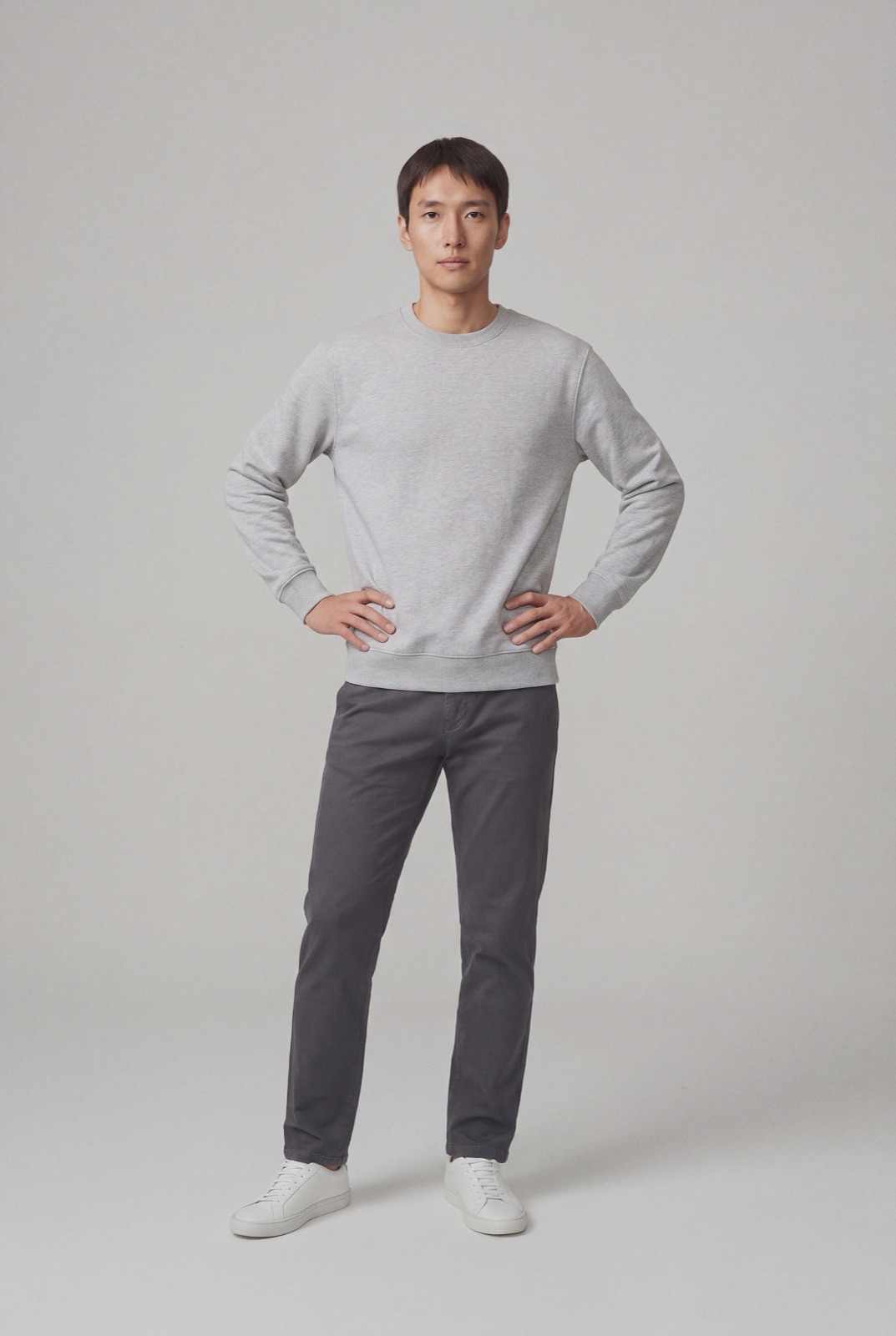
For clothing, this is where a collection page looks finished or messy. A grid with a square T-shirt packshot next to a tall dress photo on a model never lines up. Pick one ratio for every featured image in the store, square at 2048 x 2048 or a portrait ratio your theme supports, and shoot every product the same way: same model framing, same background, same crop from head to shoes.
From the theme images page, checked 1 November 2026: images are automatically optimized for your storefront by the Shopify Content Delivery Network, and they don't need to be manually compressed before upload. Shopify recommends JPEG for product images and slideshows and PNG for line drawings, text and graphics with transparency. The same page notes that theme image uploads are limited to 20 megapixels and 20 MB, and that product images have different limits. If a large banner file is rejected even though it is under 20 MB, the megapixel count is the issue, and Shopify's fix is to reduce the pixel dimensions.
For the product page itself, see Shopify product image size, and for video, see Shopify product video requirements for clothing. Comparing platforms? See WooCommerce product image size for clothing and BigCommerce product image size for clothing. Selling the same collection on social? See Facebook and Instagram product image size for clothing. On Squarespace instead? See Squarespace banner image size. For lighting and backdrops, see our clothing product photography guide.
A collection page only looks consistent when every product is shot the same way, and for a clothing store that usually means booking the same model and setup for every drop. NotShot renders your garment on your own model from the product photo you already have, so every product in a collection can share one model, one framing and one background, and the collection image can come from the same set. Every render is checked by an AI judge that compares it with your upload for color, print and cut, so the grid shows the colors customers receive. Renders below the quality bar are refunded automatically, so you pay for photos that pass the check, not for attempts. Plans are on the pricing page.
