The banner is the first thing a shopper sees on your Etsy shop page, and Etsy publishes a separate size for each banner type, from the narrow mini banner to the carousel and collage banners for Etsy Plus. This page collects the sizes and rules from Etsy's own Help Center, quoted with the date we checked them, and turns them into a banner and branding plan for a clothing shop. We make NotShot, an AI on-model photo tool, so we also cover where on-model images fit.
Etsy's Requirements and Best Practices for Images in Your Etsy Shop (checked by us on 1 November 2026) lists these sizes:
The same page says the carousel and collage banners are only available to sellers subscribed to Etsy Plus. By our own math, the recommended big banner is a 4:1 strip and the recommended mini banner is about 7.5:1, so a single tall photo of a model will not fit either without heavy cropping.
From the same Etsy page, checked 1 November 2026: Etsy supports .jpg, .gif, .png, .svg and .heic files only. Animated .gif files and transparent .png files are not supported, and if a file contains transparency, the transparent parts appear black on Etsy. Etsy also says images may look less sharp after upload because it compresses them, and that image sizes are optimized for mobile displays. If an image appears in the wrong colors, Etsy recommends converting it to sRGB before uploading so the colors on the site match the originals.
For a clothing banner, that means a flat JPG in sRGB, not a PNG with a transparent cutout of a model. A cutout on a transparent background turns into a model on a black box.
Etsy's How to Customize Your Shop's Appearance (checked by us on 1 November 2026) says shop banners are the largest branding asset for your shop, and that the banner appears when shoppers view your shop on the standard website and on mobile devices. To add one, go to Shop Manager, select the pencil icon next to your shop name under Sales Channels, select Banner, choose the type of banner and choose Done.
You have 2 banner styles to choose from: Mini Banner and Big Banner. If you select None, Etsy says your listings move higher up the page and your logo becomes the most prominent branding on your shop homepage. The order receipt banner is set separately, under Shop Manager, Settings, Info & Appearance.
Etsy does not publish how each banner crops on a phone, so preview your shop on a phone after every upload and keep text and faces away from the edges.
The same appearance page asks for a logo that reflects your shop's personality and looks good both big and small, with simple graphics and short text, and adds that not having a logo may impact your visibility in Etsy search (checked 1 November 2026). It also lets you feature 4 listings, which appear above your shop announcement, and suggests keeping your shop cohesive in imagery and style, updating it seasonally and using the best thumbnail for each product.
For listing photos, see Etsy photo requirements for clothing. Running your own store too? See Shopify collection image size and Big Cartel product image size for clothing. Promoting the shop on social? See Pinterest pin size for clothing. Also selling on eBay? See eBay store banner size. Adding video to your listings? See Etsy listing video requirements. For lighting and backdrops, see our clothing product photography guide.
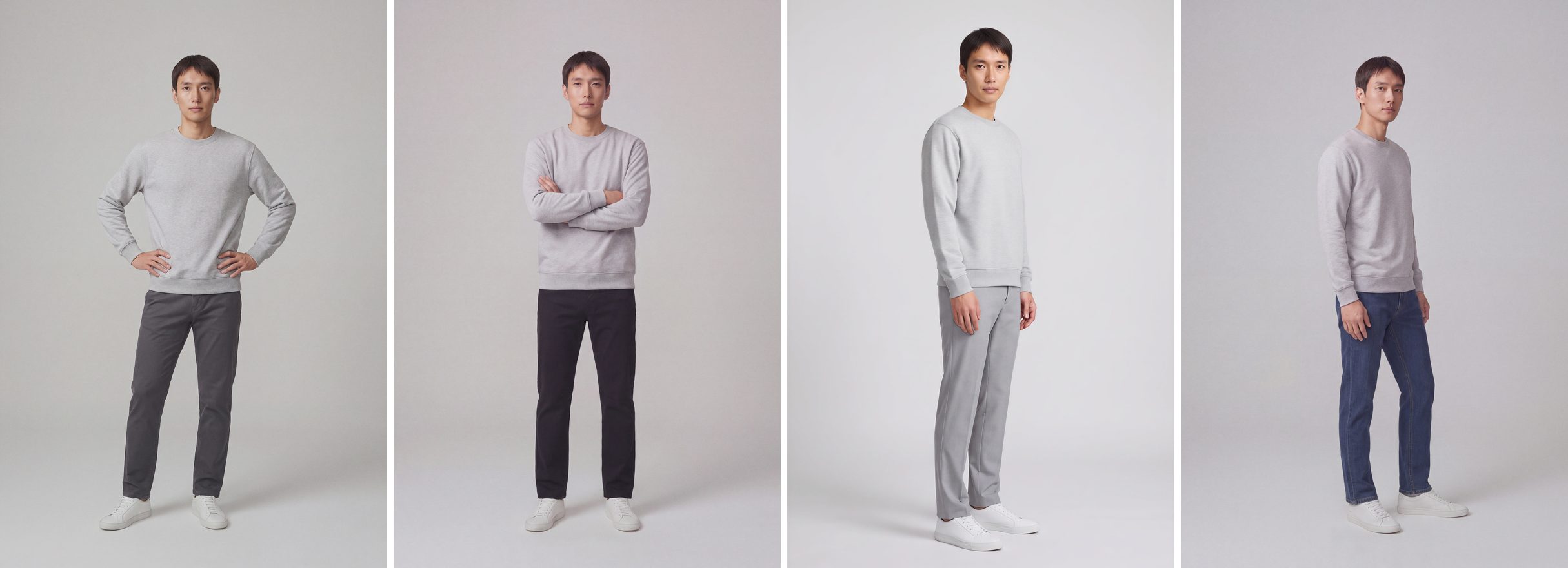
A wide banner needs several on-model photos that look like they came from one shoot, and a small Etsy clothing shop rarely has a model shoot for every drop. NotShot renders your garment on your own model from the product photo you already have, so the banner, the featured listings and the listing photos can share one model and one background. Every render is checked by an AI judge that compares it with your upload for color, print and cut, so the banner shows the colors buyers receive. Renders below the quality bar are refunded automatically, so you pay for photos that pass the check, not for attempts. Plans are on the pricing page.
