Etsy variation photos for clothing: one photo per color (2026)
Published 2026-11-01
If you sell a shirt in four colors as one Etsy listing, a buyer who picks navy should see the navy shirt. Etsy lets you link a photo to each option of a variation such as color, so the listing shows the right photo when the option is selected. This page collects what Etsy Help says about variations and variation photos, quoted with the date we checked it, and turns it into a photo plan for clothing. We make NotShot, an AI on-model photo tool, so we also cover where on-model images fit.
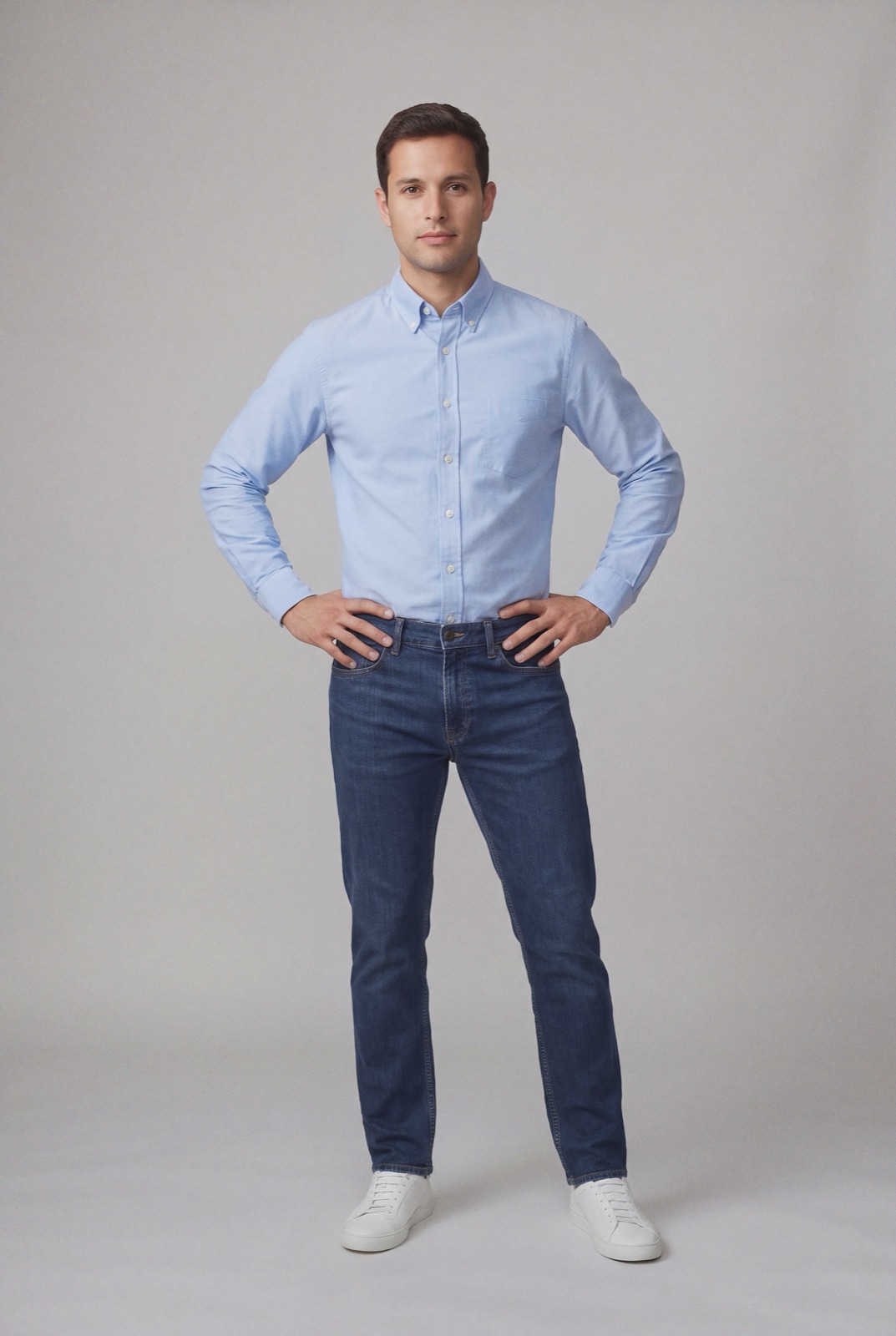
An on-model render made with NotShot. On Etsy, a photo like this can be linked to the light blue option of a color variation.
What they are: options for an item within the same listing, with the example of a dress sold in different sizes and colors.
How many: you can add variations for up to 3 item attributes.
Keep them separate: separate choices like size, color and style into distinct variations instead of combining them.
Buyers must choose: on a listing with variations, buyers select their options before adding the item to their cart.
Custom variations: you can create your own, but buyers can't filter Etsy search results by custom variations.
For clothing, that means color and size as two variations, using Etsy's own options where they exist, so buyers can filter by them.
How to link photos to a variation
The same article says that if a listing varies on a visible attribute, such as color, you can add photos to show that variation. The steps (checked 1 November 2026):
Find the listing on the Listings page and add the photo in the Photos and video section. The article says you can add up to ten photos.
Go to Variations and add variations if you haven't already.
Select Manage variations and choose the pencil icon of the variation you want to add photos to.
Turn on Link photos to this variation.
Choose Select photo for each option and pick the photo for it. Buyers see this photo when they select that option.
Choose Done, then Apply.
If a variation has more than 20 options, Etsy says you can only add photos for 20 of them.
Planning variation photos for clothing
Variation photos come out of the same set of listing photos as everything else, so every color you link takes a slot that could otherwise hold a back view or a detail. A plan that works for most clothing listings:
Link color, not size. Color is the visible attribute, so each color option gets one photo. Sizes look the same in a photo and are better served by measurements in the description.
Same model, same pose, same light for every color photo, so the only thing that changes when a buyer clicks an option is the color.
On-model front view for each color, since that is the photo the buyer sees as they choose.
Shared back view and detail in one color, used for the whole listing.
Too many colors for your photo slots? Split the range into two listings rather than leaving some colors without a photo.
Each linked photo is still a listing photo, so it needs its own alt text that names the color. See Etsy alt text for clothing listings for how to write it.
Sold out colors and hidden options
Etsy says that if you don't want an option to be viewable to buyers, you edit the listing, go to Variations and toggle off Visible, and that you must keep at least one option visible. If you set the quantity for an option to 0, it appears on the listing page as Sold out (checked 1 November 2026). For a color that will come back, Sold out keeps it on the page. For a color you have dropped, hiding it also hides its photo from the choice.
Option limits on large ranges
Etsy's variation limits (checked 1 November 2026): listings with 3 variation types can have up to 2,500 option combinations, listings with 1 or 2 variation types up to 4,900, and you can set unique or country-specific prices, SKUs and quantities for up to 400 option combinations. A clothing listing with sizes and colors rarely reaches these limits. The photo limits above usually come first.
Variation photo checklist for an Etsy clothing listing
Color and size as separate variations, using Etsy's options.
One on-model photo per color, linked with Link photos to this variation.
Same model, pose and background across the colors.
Back view and detail shared across the listing.
Alt text on every linked photo that names the color.
Sold out or hidden set deliberately for colors you are out of.
A clothing listing with five colors needs five on-model photos that match each other, which usually means a model and a shoot for every color. NotShot renders each colorway on your own model from the product photo you already have, so every color option gets an on-model photo with the same model and pose. Every render is checked by an AI judge that compares it with your upload for color, print and cut, so the photo a buyer sees for navy shows the navy you ship. Renders below the quality bar are refunded automatically, so you pay for photos that pass the check, not for attempts. Plans are on the pricing page.
Questions we get asked
How do I add a photo to a variation on Etsy?
Add the photo to the listing first, then go to Variations, select Manage variations, choose the pencil icon of the variation, turn on Link photos to this variation, and choose Select photo for each option. Buyers see that photo when they select the option. Checked on Etsy Help on 1 November 2026.
How many variation options can have their own photo on Etsy?
Etsy Help says that if a variation has more than 20 options, you can only add photos for 20 of them. The photos you link come from the listing's own photos, so plan the photo set around the colors you sell.
Should color and size be one variation or two on Etsy?
Two. Etsy says to separate choices like size, color and style into distinct variations instead of combining them, and you can add variations for up to 3 item attributes per listing.
Can I hide a sold out color on Etsy?
Etsy says you can toggle off Visible for an option you don't want buyers to see, as long as at least one option stays visible. An option with quantity set to 0 shows on the listing page as Sold out.
NotShot is a Berlin-based tool for on-model product photography without the photoshoot. Try NotShot