GoDaddy Websites + Marketing includes an Online Store, and many small clothing brands start there because the shop sits next to their website and domain. GoDaddy help sets clear limits for product images, but the upload limit and the display size are not the same number. This page collects what the official GoDaddy help says, with the date we checked it, and turns it into settings for clothing photos. We make NotShot, an AI on-model photo tool, so we also cover where on-model images fit.
The GoDaddy help article on adding physical products to your Online Store (checked by us on 1 November 2026) says images must be .jpg, .jpeg, .png or .gif and can't exceed 10 MB each. It adds: while images can be up to 5,000 by 5,000 pixels, their maximum display will be 1,920 by 1,080 pixels.
So a very large upload is not shown larger. For clothing, a portrait file around 2000 pixels on the long side is enough to cover the display size, keeps the file small and still leaves detail for fabric and stitching. Use JPG for photos, and keep PNG for images that need sharp edges or transparency.
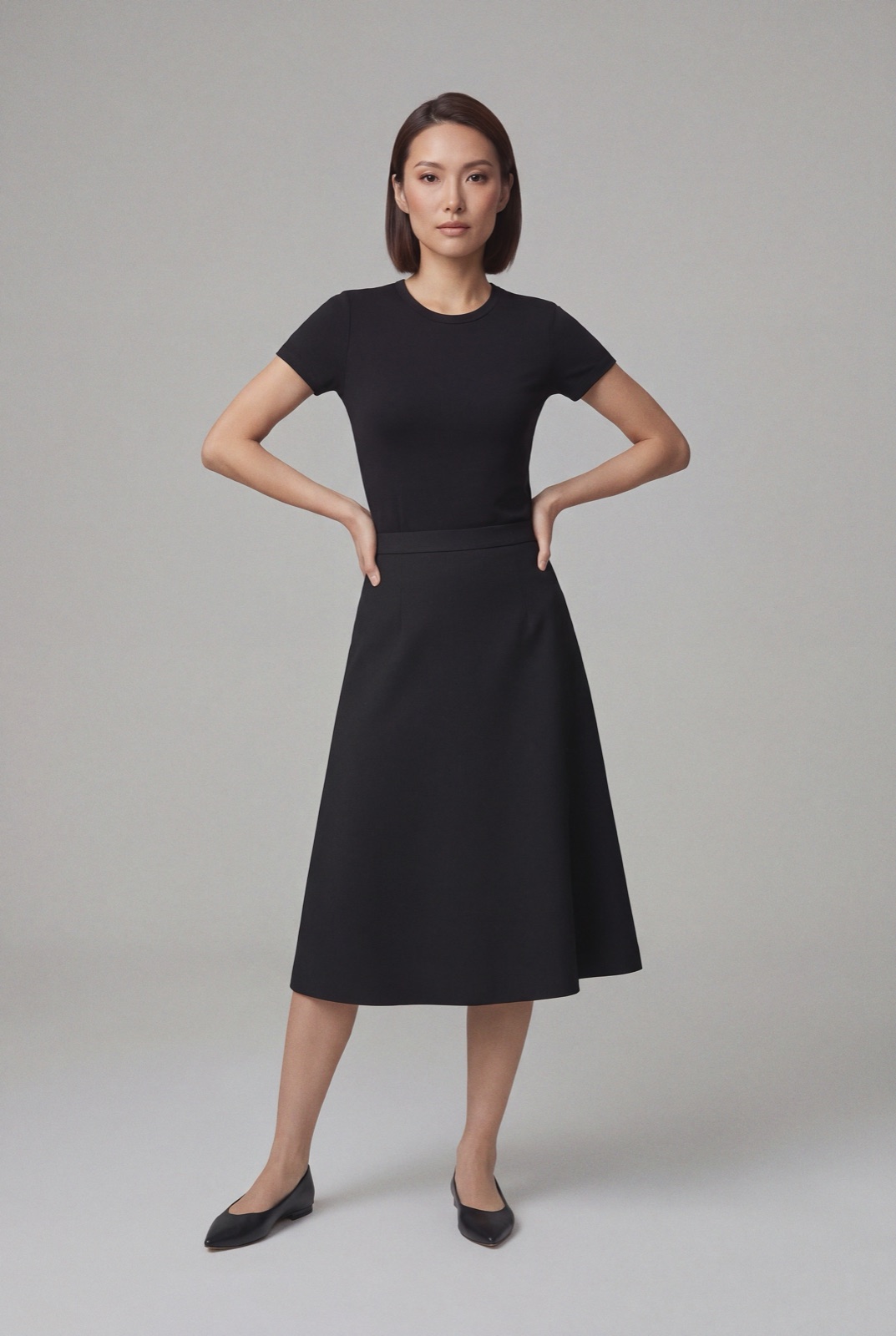
The same article says you may add up to 10 images to a product. You can also add an image or video from a URL. For clothing, that is room for a front view, a back view, a side view, a detail shot of the fabric and a few on-model images.
GoDaddy help also notes that the AI Suggest Description option works better when the product has at least one image and a title. Upload your images before you ask it for a description.
Under Inventory & Options you can add options such as size and color, and each option can have its own price and inventory. Keep the same ratio and background for the images of every color, so shoppers compare the garment and not the photo.
The product page also has a Search Engines tab, where GoDaddy adds a product link automatically, and an Identifiers tab for the codes marketplaces use.
The GoDaddy help article on importing products from a CSV file (checked 1 November 2026) says only physical products can be imported via CSV, up to 100 products at a time with a Websites + Marketing Commerce plan. It also says you can upload 10 images at a time, but only 1 image per product during the CSV import, and that you add the other product images in your store.
The import uses the SKU, and after you confirm it overwrites existing products with the same SKU. For a clothing catalog, import with your best front view as the one image, then add the back, detail and on-model images per product. GoDaddy help also lists Amazon, eBay, Etsy and Google Shopping as other places products can come from.
Running another site builder too? Compare Wix product image size for clothing, Squarespace product image size for clothing and Square Online product image size for clothing. Running Hostinger too? See Hostinger Website Builder product image size for clothing. For lighting and backdrops, see our clothing product photography guide.
The GoDaddy help articles set no rule against models in product images, so on-model photos can sit next to your packshots in the 10 image slots. Check each marketplace's own rules before you sell there. NotShot renders your garment on your own model from the product photo you already have, and every render is checked by an AI judge that compares it with your upload for color, print and cut. Renders below the quality bar are refunded automatically, so you pay for photos that pass the check, not for attempts. Plans are on the pricing page.
