On Square, product photos live in the item library. The same image shows in the point of sale and on your Square Online store, so one file has to work at the counter and on the web. This page collects what Square Support says about item images, with the date we checked it, and turns it into a shot list for clothing. We make NotShot, an AI on-model photo tool, so we also cover where on-model images fit.
Square's help article Upload and manage item images (US version, checked by us on 1 November 2026) lists these requirements and recommendations:
The UK version of the same article (checked by us on 1 November 2026) gives different limits: images can be up to 20MB, with a recommendation of 500KB or less for faster page loading, and up to 2560×2560 pixels. It keeps the same recommendation of at least 2000×2000 pixels at 1:1. If you sell in more than one region, a square file between 2000×2000 and 2560×2560 pixels fits both versions.
Square says images uploaded to your item catalog sync across your point of sale app and devices and Square Online, and you cannot have different images for the same item in the two places. For clothing, pick a photo that reads well at thumbnail size on a point of sale screen and still shows fabric and fit on the web: the whole garment, centered, on a plain background.
To add images to specific variations in the Square Dashboard, Square says to go to Variations and click the image icon next to the variation you want to update. For clothing sold in several colors, give each color its own photo so the shopper sees the colorway they pick. In the point of sale app, you can add an image from your device's library or take a photo with the device camera.
Square's bulk edit feature can upload images and associate them with items automatically. Square says an image is only associated with an item when it is a high confidence match, and that with bulk upload, multiple images cannot be associated with a single item or its variations. Review the matches before you save, and fix any wrong match from the image tile (checked 1 November 2026).
Comparing store builders? See Shopify product image size, Wix product image size for clothing, Squarespace product image size for clothing, Ecwid product image size for clothing and Big Cartel product image size for clothing. Using Lightspeed? See Lightspeed eCom product image size for clothing. Running GoDaddy too? See GoDaddy Online Store product image size for clothing. For lighting and backdrops, see our clothing product photography guide.
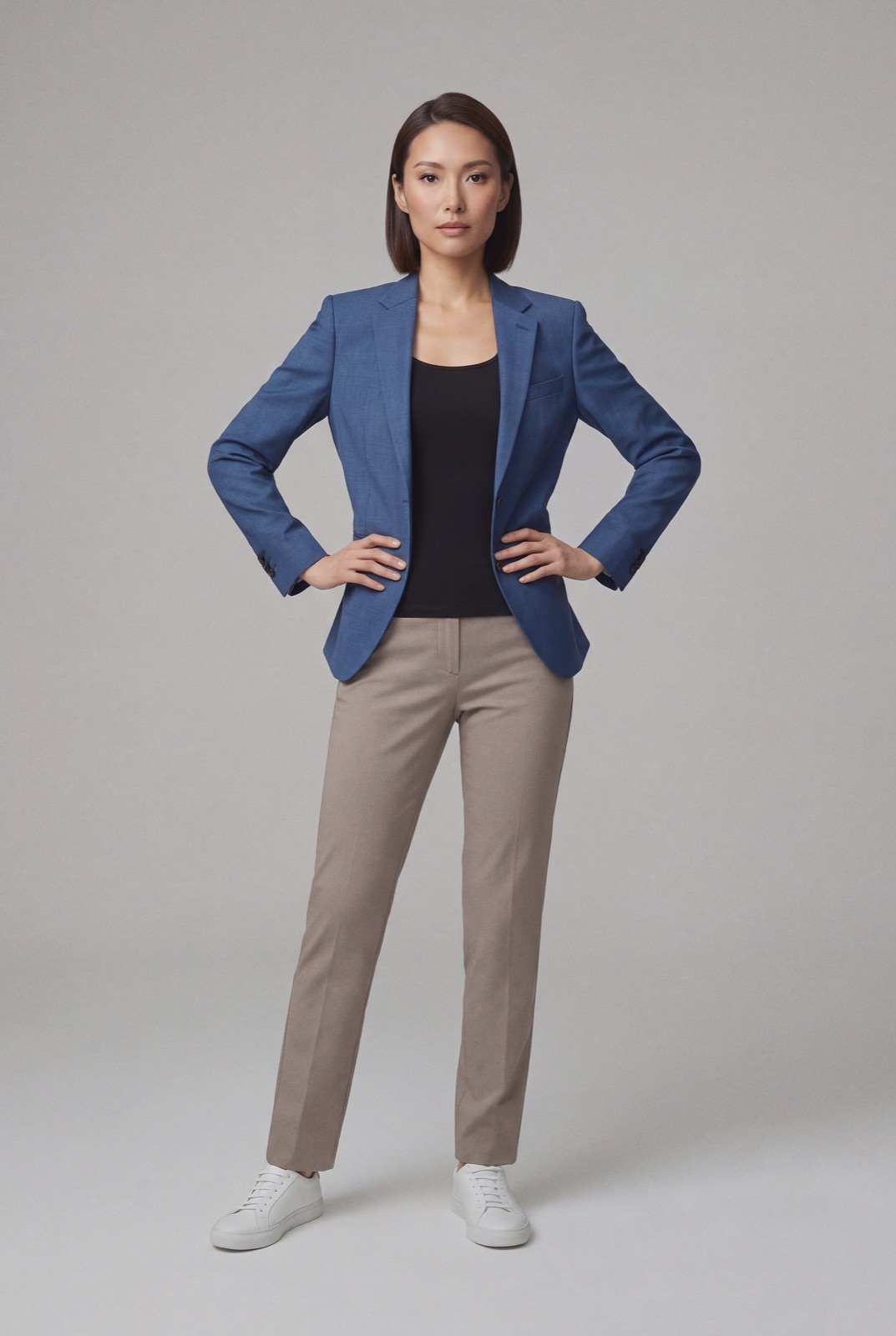
Square's item image article sets no rule about models, so an on-model photo can be an item image. NotShot renders your garment on your own model from the product photo you already have. Crop the render to a square before upload to match Square's 1:1 recommendation, and check that it still reads well small, since the same image also shows in your point of sale. Every render is checked by an AI judge that compares it with your upload for color, print and cut. Renders below the quality bar are refunded automatically, so you pay for photos that pass the check, not for attempts. Plans are on the pricing page.
