Hostinger Website Builder, now called Hostinger AI Builder in its help pages, includes an online store, and small clothing brands use it to sell next to their website. Hostinger help gives a recommended product image size, a file size limit and a choice of image ratios. This page collects what the official Hostinger help says, with the date we checked it, and turns it into settings for clothing photos. We make NotShot, an AI on-model photo tool, so we also cover where on-model images fit.
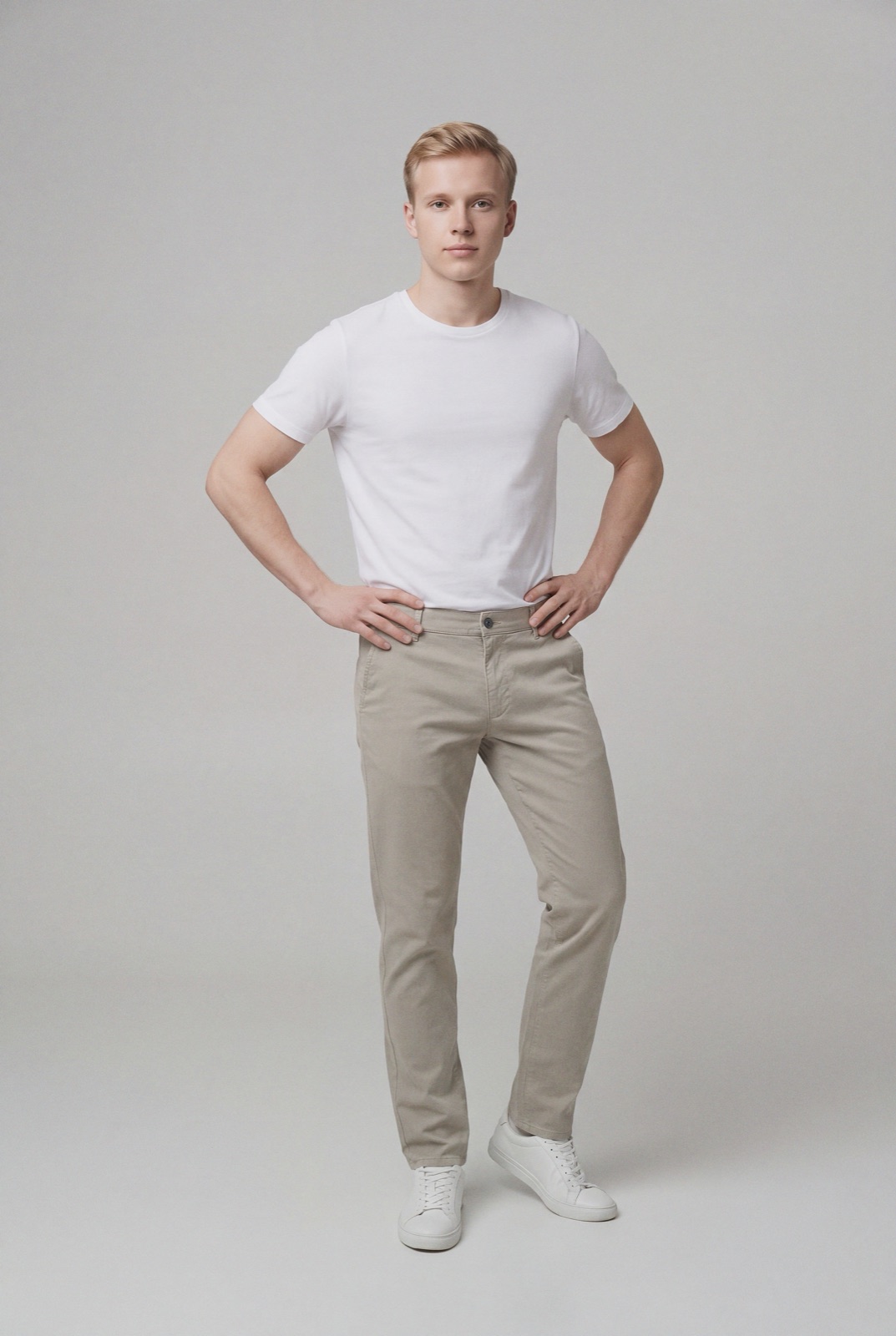
The Hostinger help article on responsive design and image size (checked by us on 1 November 2026) says the recommended product image size is 600×600 or 900×900 pixels. The article on product image proportions adds that 600×600 might result in slightly worse quality on tablets, while 900×900 is suitable for all screen sizes.
The same image size article explains that templates are responsive, so images stretch or shrink with the visitor's screen, and that there is no one set of dimensions for a perfect image size. For clothing, treat 900 pixels as the minimum on the short side, so fabric still looks sharp on tablets.
Hostinger help gives a maximum of 15 MB per image. The recommended format is .webp, and the builder supports other formats too, except .heic. The article on adding products lists JPG, PNG, SVG and WEBP for product images.
The builder does not convert formats, but it does compress images to speed up page loading. GIFs are the exception, so avoid them. The help also says to avoid images with wide borders, because borders make the image wider and it is scaled down as a whole, and to avoid file names with spaces or special or non-Latin characters.
To set the ratio, click a product section, select Edit section and open the Layout tab. Hostinger help lists four options:
Most clothing is shot in portrait, so Portrait or Original keeps the full garment in view. If you choose Square, shoot or crop with enough space around the garment so nothing important is cut off.
The Hostinger help article on product options says the store creates one variation for each combination of options such as Size and Color, up to 50 variations per product. The image, price, SKU, weight and stock of each variation can be edited individually, so each color can show its own photo.
The article on adding products says a store can hold up to 2,000 products. You can upload up to 10 product images and let AI draft the product details, or import physical products from a spreadsheet. The product editor also has a Create with AI option that generates product images from a prompt, with your existing product images as reference.
Running another site builder too? Compare Wix product image size for clothing, Squarespace product image size for clothing and GoDaddy Online Store product image size for clothing. Running Volusion too? See Volusion product image size for clothing. For lighting and backdrops, see our clothing product photography guide.
The Hostinger help articles set no rule against models in product images, so on-model photos can sit next to your packshots on every variation. Check each marketplace's own rules before you sell there. NotShot renders your garment on your own model from the product photo you already have, and every render is checked by an AI judge that compares it with your upload for color, print and cut. Renders below the quality bar are refunded automatically, so you pay for photos that pass the check, not for attempts. Plans are on the pricing page.
