Kaufland runs an online marketplace with storefronts in Germany, Czechia, Slovakia, Poland, Austria, France, Italy, Spain and the Netherlands. Its seller site, Kaufland Global Marketplace, has a product data guideline with a section on images. This page collects what that section says, with the date we checked it, and turns it into a shot list for clothing. We make NotShot, an AI on-model photo tool, so we also cover where on-model images fit.
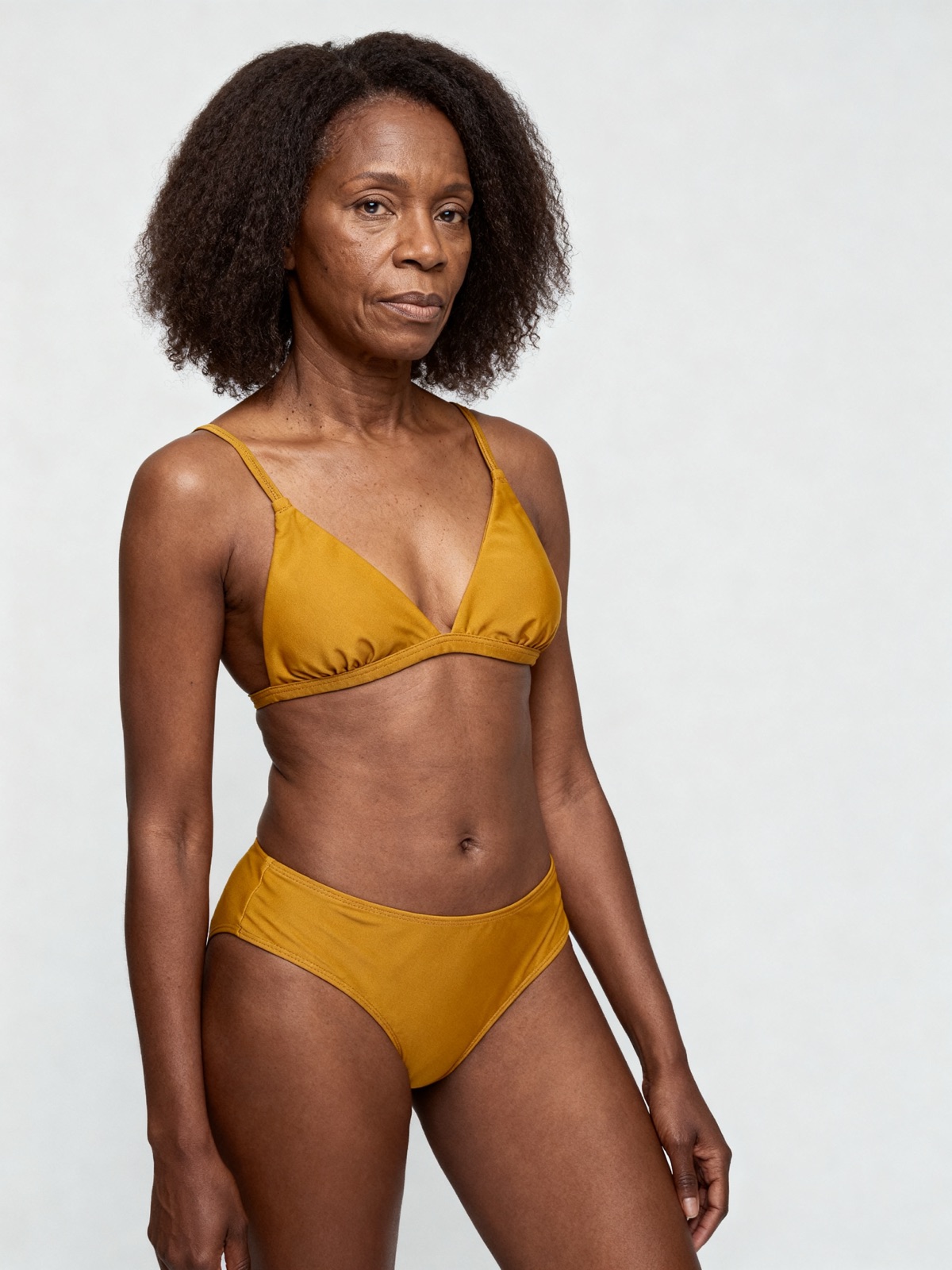
An on-model render made with NotShot, 1200×1600 pixels. That clears Kaufland's 1024 pixel standard size but not its 2048 pixel zoom size, and the light gray backdrop is not the white background Kaufland asks for in the first photo.
The first photo
Kaufland's Product Data Guidelines (checked by us on 1 November 2026) ask for product photos with a white background, plus additional images from different angles and detail shots. For the first photo:
White background: a clear silhouette of the product on a white background. Kaufland says this is necessary for Google Shopping, among other things.
Whole product: the product shown in full. Additional images may show detailed views.
No snapshot: no snapshot as the main image.
Rules for all product images
From the same section:
Neutral: only neutral product images, without promotional content such as "Sale" lettering.
What ships: only photos of the product and the accessories included in the scope of delivery.
Angles: show the product from various angles.
One image per file: not a collage of several images.
Clean edges: no shadows, frames or white space.
Real photos: no placeholder photos.
Nothing added: no text, logos, symbols or flags, no delivery or price information, and no official seals such as Stiftung Warentest.
The guideline's examples of poor images include a distracting background, text, logos, the product name, shipping logos on the image and the packaging shown on the main image.
Sizes, count and files
Standard size: at least 1024 pixels in height or width.
Zoom: at least 2048 pixels in height or width. Kaufland recommends this size for all product images.
Count: 5 to 10 pictures from different perspectives and detail shots.
File size: 10 MB at most.
Formats: .png, .jpg, .jpeg, .webp, .tiff and .gif.
Kaufland adds that images are passed on to other marketing channels, and mentions that Google Shopping recommends a minimum image width of 1440 pixels for clothing and accessories (checked 1 November 2026). A 2048 pixel image covers both.
Alt texts
Kaufland says that since June 2025 it has been a legal requirement to add alt text for product images. It gives three ways to do it: a CSV product feed with a "picture.url" and a "picture.alt_text" column, the pencil icon on each image in the Seller Portal, or the API. An alt text without its image link causes an error, so send both together.
Product videos
The same guideline covers videos: neutral and focused on the product, with close ups, no text or logos, no copyrighted content and no shipping or contact details. It recommends 15 to 60 seconds. The limits are 100 MB, 180 seconds, mp4 files and H.264 encoding.
Kaufland image checklist for clothing
Image 1: the whole garment on white, a clear silhouette, no shadow, no frame, no text.
Size: 2048 pixels or more on the long side, 10 MB at most.
Next: the back and side views, then details such as fabric, print, label and closures.
Count: 5 to 10 images in total, one photo per file, no collages.
Only what ships: no props or accessories the customer won't receive.
Alt text: one short description per image, sent with its image link.
Kaufland's guideline asks for a white background and the whole product in the first photo, and 5 to 10 images from different perspectives. For clothing, on-model images can fill the slots after the first one. NotShot renders your garment on your own model from the product photo you already have. Every render is checked by an AI judge that compares it with your upload for color, print and cut. Renders below the quality bar are refunded automatically, so you pay for photos that pass the check, not for attempts. Check the pixel size and background against the list above before you upload. Plans are on the pricing page.
Questions we get asked
What size should product images be on Kaufland?
Kaufland's product data guideline gives a standard size of at least 1024 pixels in height or width, and at least 2048 pixels in height or width for the zoom function. It recommends 2048 pixels for all product images. Checked on 1 November 2026.
How many images should a Kaufland listing have?
The guideline recommends 5 to 10 pictures from different perspectives and detail shots.
What file formats and sizes does Kaufland accept?
The maximum file size is 10 MB, and the supported formats are .png, .jpg, .jpeg, .webp, .tiff and .gif.
What background does Kaufland want for the first image?
A white background with a clear silhouette of the product, and the product shown in full. Kaufland says this is necessary for Google Shopping, among other things.
Do Kaufland product images need alt text?
Kaufland says that since June 2025 it has been a legal requirement to add alt text for product images. You can add it in the CSV feed (picture.url and picture.alt_text columns), in the Seller Portal or through the API.
NotShot is a Berlin-based tool for on-model product photography without the photoshoot. Try NotShot