Nuvemshop is a hosted ecommerce platform with a help center written in Brazilian Portuguese. It gives a recommended pixel size, a file limit, a target file weight and accepted formats for product photos, plus a warning about mixing photo shapes. This page collects what the official Nuvemshop help center says, with the date we checked it, and turns it into settings for clothing photos. We make NotShot, an AI on-model photo tool, so we also cover where on-model images fit.
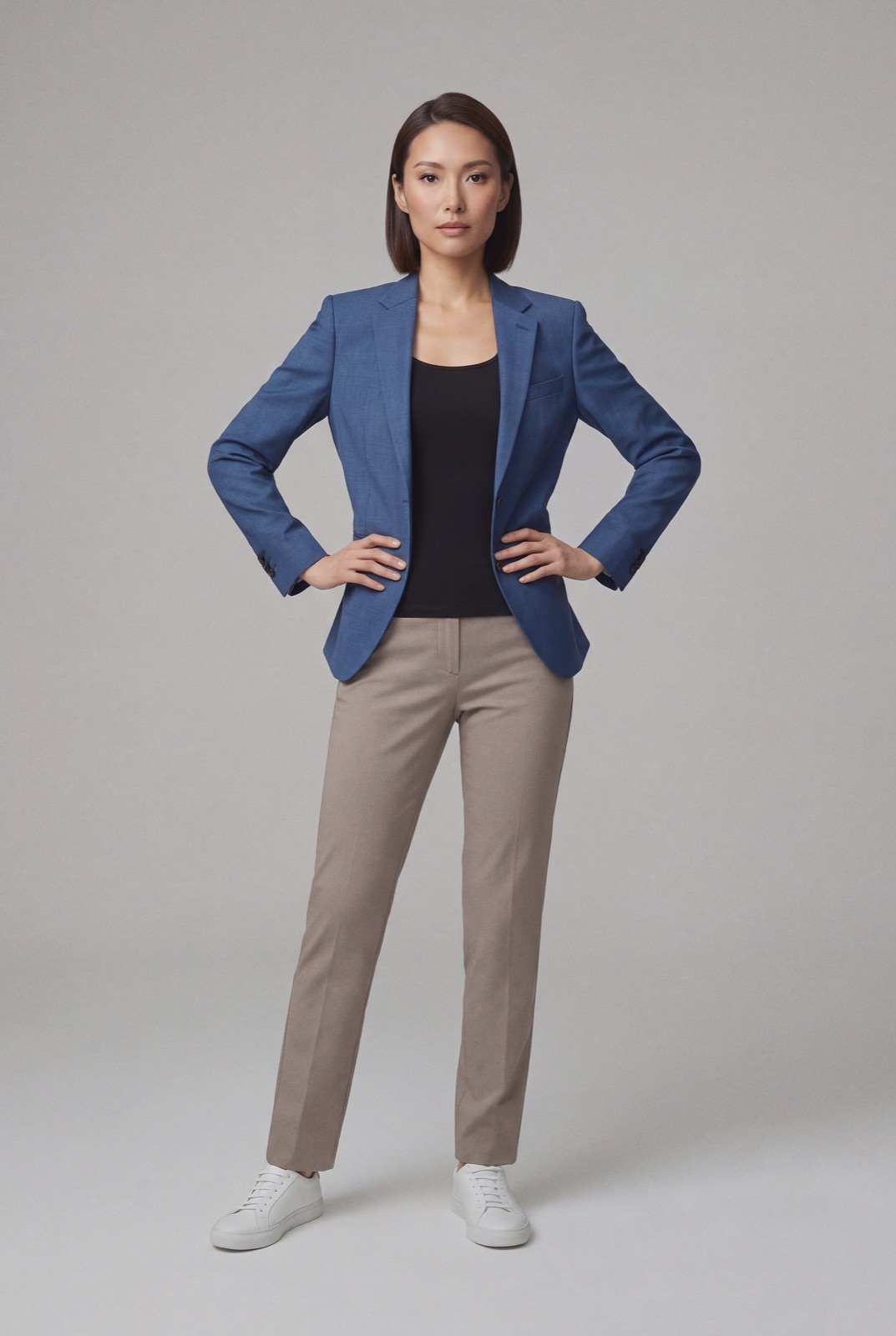
The Nuvemshop help article on the ideal product photo size (last updated 29 July 2026 by Nuvemshop, checked by us on 1 November 2026) recommends images of at least 1024 × 1024 pixels, so shoppers can hover over a photo and see details. It notes that the resolution can change with the height and width of the image, so a portrait photo can be taller than 1024 pixels.
For file weight, the same article suggests 100 to 600 KB per image to keep the store fast. It calls files up to 1 MB acceptable and advises against files much smaller than 100 KB, which can look poor. The upload limit is 10 MB, but that is a ceiling, not a target.
The accepted formats are WebP, JPG and PNG. The Nuvemshop help article on adding product photos (last updated 13 March 2026) lists WEBP, JPG, JPEG and PNG, a recommended 1024 × 1024 and up to 10 MB, and suggests a white background or one that does not draw more attention than the product.
The Nuvemshop help article on standardizing image sizes (last updated 20 August 2026) explains that when products have a mix of vertical and horizontal images, the product list may not line up, because the layout does not standardize image sizes automatically. The ideal size article adds that different sizes can also leave empty space between the photos and the description on the product page.
For clothing, that means picking one shape and one size for the whole store. A standing model suits a portrait shape such as 3:4, for example 1200 × 1600 pixels, or you can use square 1024 × 1024 photos to match the help center example. Nuvemshop links a free resize tool on its site for batch resizing, or you can export at the right size from your editor.
The adding photos article says most Nuvemshop layouts offer zoom, which is why it recommends 1024 pixels or more. The Cubo layout has no image zoom, and the Bahia and Atlântico layouts offer a single zoom level. In some other themes, shoppers click the image twice to zoom.
To add photos, go to Products, Product list, open the product and click the plus sign in each box. Nuvemshop suggests at least three photos per product. The first photo in the list is the main image, shown as the product cover with a blue star label, and you can drag photos in Edit photos to change the order.
The Nuvemshop help article on variant images explains how to give each color its own photo. Upload all photos for every variant first, then in the Variations section click the photo next to a variant and pick its image. The adding photos article warns that if the Color variations option is turned on in the layout editor, the store may show the variant photo instead of the main image you chose.
Running another platform too? Compare Shoptet product image size for clothing, Jumpseller product image size for clothing and Ecwid product image size for clothing. For lighting and backdrops, see our clothing product photography guide.
The Nuvemshop help articles set no rule against models in product images, so on-model photos can sit next to your packshots and variant images. Check each marketplace's own rules before you sell there. NotShot renders your garment on your own model from the product photo you already have, and every render is checked by an AI judge that compares it with your upload for color, print and cut. Renders below the quality bar are refunded automatically, so you pay for photos that pass the check, not for attempts. Plans are on the pricing page.
