Ecwid lets you sell from its own Instant Site or add a store to a site you already have. Its image rules are loose on size but specific in a few places that matter for clothing: aspect ratio, the main image and how color variations get their photos. This page collects what Ecwid's own help center says, quoted with the date we checked it, and turns it into a photo set for clothing. We make NotShot, an AI on-model photo tool, so we also cover where on-model images fit.
Ecwid's help article Product images (last updated by Ecwid on 17 July 2026, checked by us on 1 November 2026) says:
For clothing, export JPGs at 1000px or larger on the short side. Fabric texture and print detail need the extra pixels, and the automatic compression keeps load times in check. Skip transparent PNGs for the product gallery and put garments on a plain light background instead.
The same article lists 1:1, 3:4, 4:3, 2:3 and 3:2 as the most appealing proportions and asks you to choose one and use a consistent aspect ratio and orientation for all product images, to avoid visual clutter in the storefront (checked 1 November 2026). You can then set thumbnail size and orientation in the Instant Site editor or under Design in your Ecwid admin.
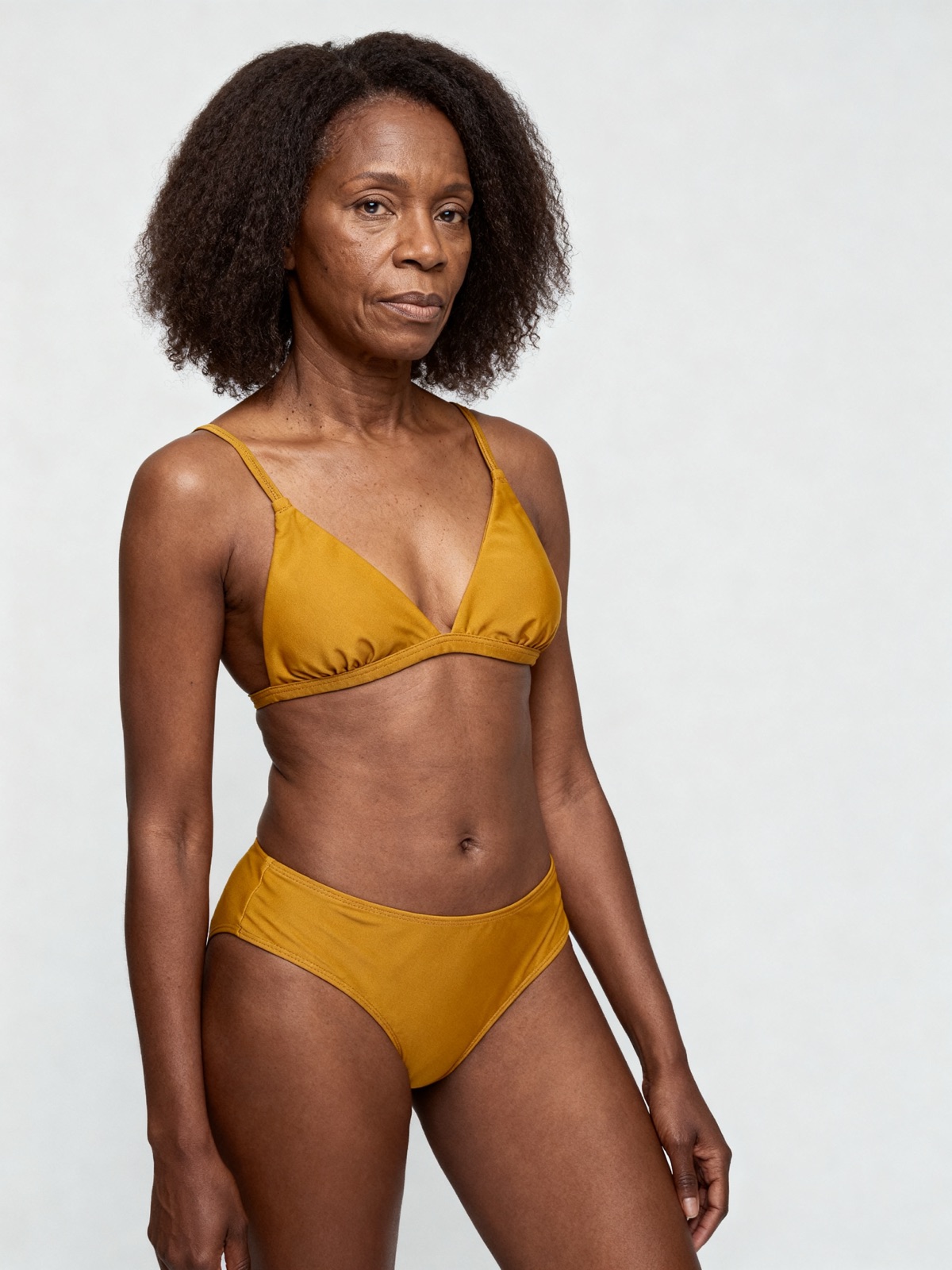
For clothing, a portrait ratio such as 3:4 or 2:3 suits on-model shots, because a standing figure fills the frame without wasted space at the sides. Square works if you sell mostly flat lays or accessories. Whichever you choose, shoot the whole catalog to it, so a dress and a T-shirt sit at the same scale in the category grid.
Ecwid treats the first uploaded image as the main one: it is the thumbnail on category pages and the first image on the product page, and you change it by dragging another image to the first place. Ecwid also has a setting that shows an additional gallery image when a shopper hovers over a product card (checked 1 November 2026).
For clothing, put the on-model front view first, since it shows the garment and how it fits in one thumbnail. Put the back view second, so the hover image shows the other side of the same garment.
If you sell options such as color, Ecwid lets you add a different image to each product variation, but only one image per variation. Extra images of a variation go in the main product gallery or the description. Ecwid says product variations are available on its Business and Unlimited plans (checked 1 November 2026).
So every colorway needs one strong photo that shows that exact color on the garment. A variation image that shows the wrong shade is the photo shoppers buy from, so it has to match the color the customer receives.
Comparing platforms? See Shopify product image size, Squarespace product image size for clothing, Wix product image size for clothing, WooCommerce product image size for clothing and Big Cartel product image size for clothing. On BigCommerce? See BigCommerce product image size for clothing. Running Shopping ads from your store? See Google Shopping image requirements. Need a banner above the products? See Ecwid banner image size. For lighting and backdrops, see our clothing product photography guide.
Ecwid's own AI editor, in its iOS app, removes and replaces backgrounds and adds shadows. It edits the photo you took, but it does not put the garment on a model. NotShot renders your garment on your own model from the product photo you already have, so each item and each color variation can get an on-model image with the same model across the store. Every render is checked by an AI judge that compares it with your upload for color, print and cut, so the variation photo shows the color the customer receives. Renders below the quality bar are refunded automatically, so you pay for photos that pass the check, not for attempts. Plans are on the pricing page.
