Shoptet is a hosted ecommerce platform used by many online stores in the Czech Republic and Slovakia, including clothing brands. Its help center, which is written in Czech, gives a minimum width, a choice of image ratios, a file limit and accepted formats for product photos. This page collects what the official Shoptet help center says, with the date we checked it, and turns it into settings for clothing photos. We make NotShot, an AI on-model photo tool, so we also cover where on-model images fit.
The Shoptet help article on the photo gallery (Fotogalerie, checked by us on 1 November 2026) recommends a width of at least 1024 pixels on all templates. The height depends on the image ratio of your store:
The Shoptet help article on category and product display explains that you choose the ratio under Settings, Products, Display (Nastavení, Produkty, Zobrazení). It applies to product listings, related and similar products, the product page and 360 degree photos. The older Pop, Rock, Soul and Echo templates cannot change the ratio and keep 4:3, with a recommended size of 1024 × 768 pixels.
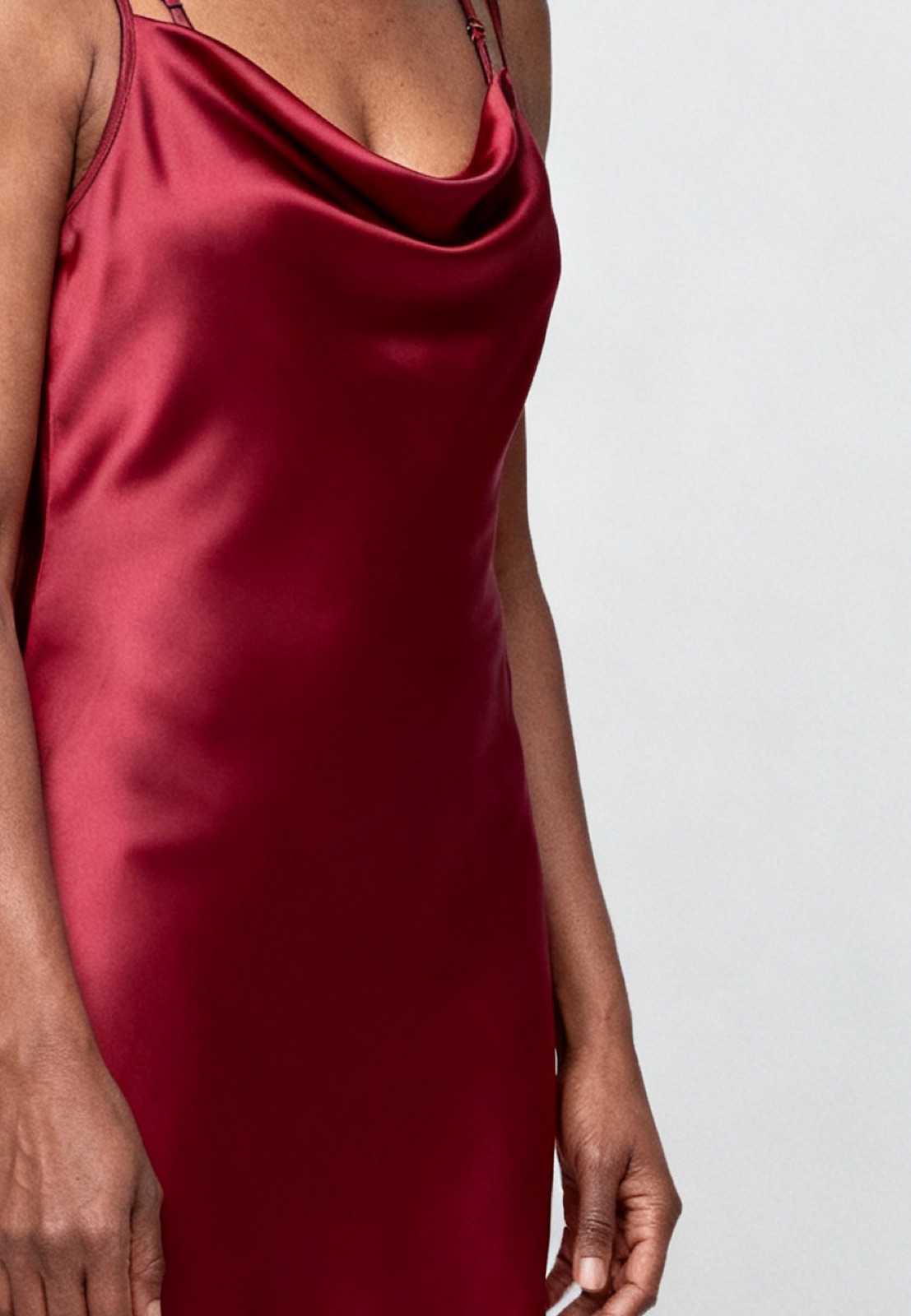
For on-model clothing, the default 4:3 shape is wide, so a standing model ends up small with white space on both sides. Switching to 3:4 or 2:3 keeps the model large in the frame.
Shoptet says a ratio change never crops images. Larger images are scaled down without being cropped or squashed, smaller ones are scaled, and any leftover space is filled with white so the image fits the chosen ratio. Heads and hems stay in the frame, but a photo with a different shape gets white strips. If your backdrop is light gray rather than white, those strips will show, so export in the same ratio you set in the store.
The photo gallery article lists a maximum file size of 2 MB per image and JPG, PNG, GIF and WebP as allowed formats. The same article also says that uploading images directly in WebP is not currently possible, so it is not fully clear. For photos, upload JPG. Shoptet converts images to WebP for shoppers whose browsers support it, with some exceptions such as GIF files and images over 75 megapixels, and the file name keeps its original extension.
Each image in the gallery has a caption field. Shoptet uses the caption as the alt text in the page code, which helps search engines and screen readers, so describe the garment and color there.
Product photos are uploaded on the product page in the admin, on the main details tab under the photo gallery, and you can drag them to change the order. The Shoptet help article on assigning images to variants uses colored jackets as its example. Upload all photos to the gallery first, then on the Price list tab (Ceník) click a variant and tick its image. Each variant can have one image, and Shoptet notes that images must be assigned to all variants for them to show, not only to some. For many products, the defaultImage column in an import assigns them in bulk.
Running another platform too? Compare Shopware product image size for clothing, Gambio product image size for clothing and Plentymarkets product image size for clothing. Running Nuvemshop too? See Nuvemshop product image size for clothing. For lighting and backdrops, see our clothing product photography guide.
The Shoptet help articles set no rule against models in product images, so on-model photos can sit next to your packshots and variant images. Check each marketplace's own rules before you sell there. NotShot renders your garment on your own model from the product photo you already have, and every render is checked by an AI judge that compares it with your upload for color, print and cut. Renders below the quality bar are refunded automatically, so you pay for photos that pass the check, not for attempts. Plans are on the pricing page.
