Odoo is a suite of business apps, and its Website app includes an eCommerce module for online stores. Odoo does not publish one required image size. Instead, it stores each product photo at a capped size, makes smaller copies, and only offers zoom when the photo is large enough. This page collects what the official Odoo docs say, plus the sizes and limits in the Odoo 19.0 source code, with the date we checked them, and turns that into settings for clothing photos. We make NotShot, an AI on-model photo tool, so we also cover where on-model images fit.
In the Odoo 19.0 image mixin, which product templates use, the main product image is a field capped at 1920 × 1920 pixels. Odoo also stores four copies from it:
The Odoo 19.0 image field code says an image larger than the limit is resized to it while keeping the aspect ratio. So a tall clothing photo stays tall: a 3:4 photo is stored at most 1440 × 1920 pixels. The Odoo 19.0 image tools reject images above 50 megapixels and ask you to reduce the image size. We checked the 19.0 branch on GitHub on 1 November 2026, when its latest commit was dated 31 October 2026.
The Odoo 18 docs on eCommerce products (checked by us on 1 November 2026) say images must be in PNG or JPG format, with at least one dimension greater than 1024 pixels to trigger the zoom. The Odoo 19.0 product template code follows the same idea: zoom is offered only when the stored image is larger than its 1024 pixel copy.
For clothing, zoom is how shoppers check fabric, stitching and prints. Export every product photo with the long side between 1025 and 1920 pixels. Going above 1920 adds upload weight without adding detail, because Odoo scales it down.
The Odoo 18 docs on the eCommerce catalog list four aspect ratios for product images on the shop page: Landscape (4/3), Default (1/1), Portrait (4/5) and Vertical (2/3), plus Fill options to adjust the display. Portrait or Vertical suits a standing model better than the square default. The shop page editor can change between versions, so check the options in yours.
On the product page, the Odoo 19 docs on product page design describe an Images Area with size and Position settings, a Carousel or Grid layout, thumbnails on the left or at the bottom, Auto-crop to cut or trim images to match the page layout, and Zoom on click. Auto-crop can cut off heads or hems, so leave space around the garment.
The Odoo 19 docs on product configuration explain that you add media in the product form, on the Sales tab, by uploading an image or adding a URL. On the product page, the docs say Main image is replaced from the website editor, a video cannot be the main media item, and Extra Media adds more images or videos. To show images of product variants such as colors, the docs point to the Image attribute display type.
Running another platform too? Compare WooCommerce product image size for clothing, Shopware product image size for clothing and OpenCart product image size for clothing. Running Saleor too? See Saleor product image size for clothing. Running Medusa too? See Medusa product image size for clothing. For lighting and backdrops, see our clothing product photography guide.
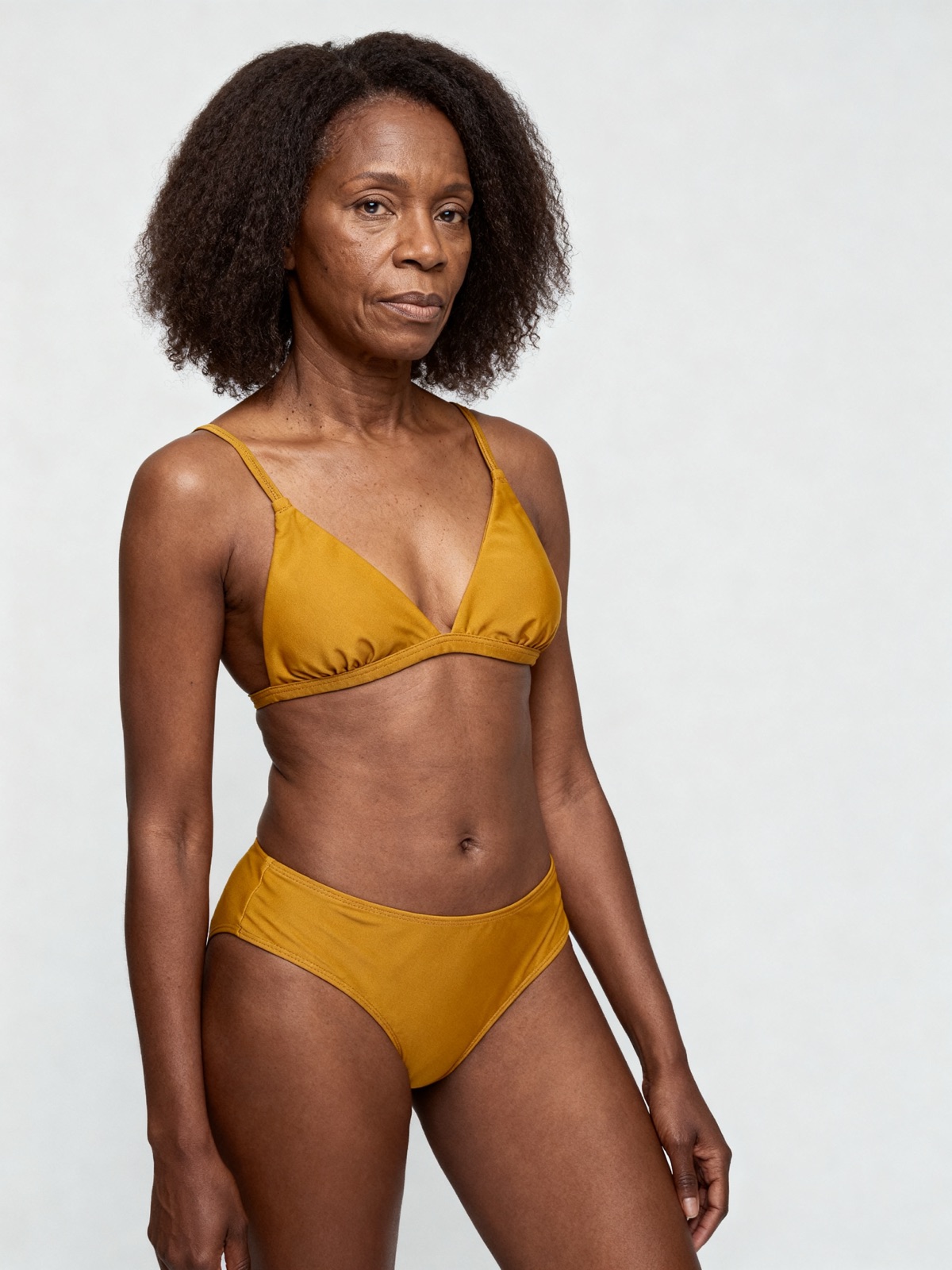
The Odoo docs set no rule against models in product images, so on-model photos can sit next to your packshots as the main image or extra media. Check each marketplace's own rules before you sell there. NotShot renders your garment on your own model from the product photo you already have, and every render is checked by an AI judge that compares it with your upload for color, print and cut. Renders below the quality bar are refunded automatically, so you pay for photos that pass the check, not for attempts. Plans are on the pricing page.
