plentymarkets (PlentyONE) product image size for clothing (2026)
Published 2026-11-01
plentymarkets now goes by PlentyONE, and its manual lives at knowledge.plentyone.com. Item images are managed once on the item and then used in the shop and other sales channels, such as marketplaces. The manual does not publish a required upload size. Instead it lets you set the sizes your shop delivers. This page collects what the manual's item images page says, with the date we checked it, and turns it into settings for clothing photos. We make NotShot, an AI on-model photo tool, so we also cover where on-model images fit.
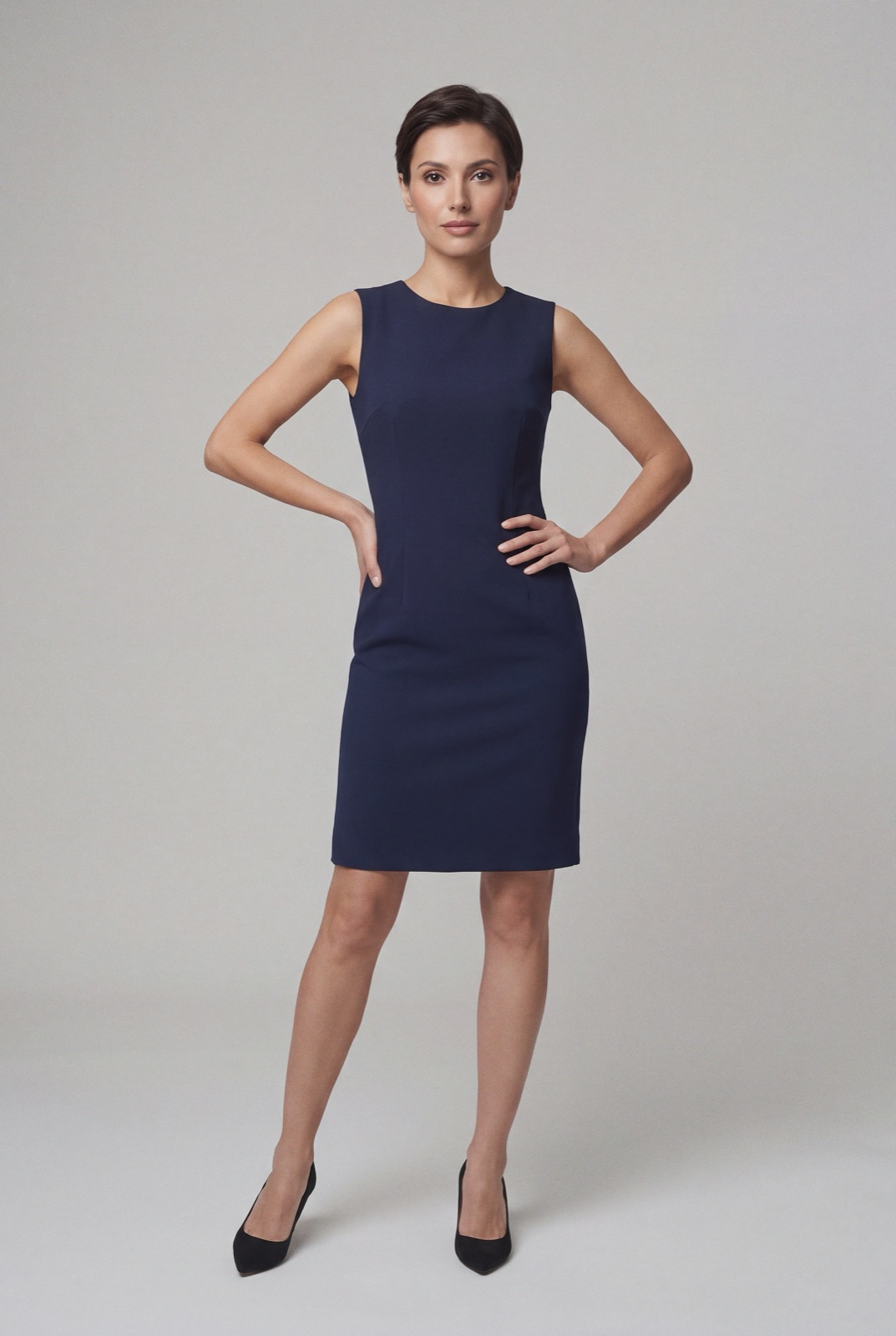
An on-model render made with NotShot, 1073×1600 pixels. If your full size allows more than 1600 pixels in height and enlarging is on, PlentyONE would scale this up, so set the maximums to match your originals.
How PlentyONE stores and delivers images
The manual page Item images (checked by us on 1 November 2026) says item images are saved on S3 and delivered through CloudFront, the AWS content delivery network. Only the original image is saved. A given size is created when the image is first displayed and then kept in the CloudFront cache. So the file you upload is the one every size is made from.
The four image sizes
Under Setup » Item » Images » Sizes, the manual lists four sizes: preview, second preview, middle and full. For each one you set:
Maximum height and width in pixels: larger images are scaled down for display and the aspect ratio stays the same.
Do not enlarge: if enlarging is allowed and the original is smaller than the maximum for that size, the image is enlarged to that size.
Pre-generate on upload: creates that size as soon as the image is uploaded.
EXIF rotation and metadata: options to rotate by the EXIF orientation tag and to keep EXIF, XMP and IPTC data. The manual suggests leaving metadata out for preview images to save loading time.
Cache lifetime: how long each size stays in the CloudFront cache, from 1 to 365 days.
After changing sizes, the manual says images may still show with the old settings until you click Invalidate CDN cache.
Compression: JPEG, PNG, WebP and AVIF
Each size has its own compression sliders, all from 0 to 9 (checked 1 November 2026):
JPEG: the manual's tip says compressing images to 8 results in no visible loss of quality. A Progressive option shows a low resolution version at once and sharpens it as the page loads.
PNG: lossless, so quality stays the same, but a higher level means the browser needs more time to decompress the image.
WebP: lossless or near lossless compression. The manual warns that near lossless can distort the image.
AVIF: a compression level from 0 to 9, with a lossless option that keeps image quality.
For clothing, check fine knits, prints and dark fabrics at your chosen level, since that is where compression shows first.
Positions, variations and marketplaces
In the item's Images tab, under Details, the manual lists these fields:
Position: the place of the image in the item's gallery.
Alternative text: shown when the image can't be displayed. The manual adds that it is not relevant for SEO. Names and alternative texts can be translated per language.
Availability: which clients and referrers the image is available for.
Market attribute link: an image linked to an attribute value only goes to marketplaces where the item's variations have that value.
Link image with variation: ties an image to one or more variations, so each color can show its own photos.
Under Setup » Item » Images » Settings, the export item image position sets which image position is used for exports, for example to a marketplace.
File names
The settings also build the delivered image names from item fields such as the item ID, item number, name and keywords, joined by hyphens. The item ID or item number must be included, and the name is limited to 32 characters. For FTP imports, file names must contain the item ID or the variation number, use only letters without umlauts, numbers, underscores and hyphens. Spaces and special characters are not permitted, and the manual says they are replaced by hyphens on upload (checked 1 November 2026).
plentymarkets image checklist for clothing
Originals: upload files at least as large as your full size maximum, or turn on Do not enlarge.
Sizes: set the maximum height and width of each size to the ratio you shoot in.
Compression: start the JPEG slider at 8 and check knits, prints and dark fabrics.
Order: put the front view at position 1, then the back, details and an on-model shot.
Colors: link each set of photos to its color variation.
Marketplaces: check the export image position and any market attribute links.
Cache: invalidate the CDN cache after changing sizes.
The PlentyONE item images page sets no rule against models in product images, so an on-model photo can sit next to your packshots in the gallery, linked to the right color variation. Check each marketplace's own rules before you export it there. NotShot renders your garment on your own model from the product photo you already have, and every render is checked by an AI judge that compares it with your upload for color, print and cut. Renders below the quality bar are refunded automatically, so you pay for photos that pass the check, not for attempts. Plans are on the pricing page.
Questions we get asked
What image size does plentymarkets need?
The PlentyONE manual page on item images does not set a minimum upload size. You define four image sizes (preview, second preview, middle and full) with a maximum height and width in pixels, and larger images are scaled down with the aspect ratio kept. Checked in the PlentyONE manual on 1 November 2026.
Does plentymarkets enlarge small images?
It can. Each image size has a Do not enlarge option. If enlarging is allowed and the original is smaller than the maximum dimensions for that size, PlentyONE enlarges it to that size. Upload originals at least as large as your full size to avoid that.
Which JPEG compression should I use in plentymarkets?
The JPEG quality slider runs from 0 to 9, and the PlentyONE manual's tip says compressing images to 8 results in no visible loss of quality. There are separate sliders for PNG, WebP and AVIF.
How do I show different photos per color in plentymarkets?
Link the images to the matching variations under Item, then the item, Images, Details. You can also use a market attribute link so an image only goes to marketplaces where the variations have that attribute value.
Is plentymarkets the same as PlentyONE?
The plentymarkets manual pages now name knowledge.plentyone.com as their address and refer to the system as PlentyONE. The image menus described on this page are taken from that manual.
NotShot is a Berlin-based tool for on-model product photography without the photoshoot. Try NotShot