On Squarespace 7.1, a banner is a page section with a background image at the top of the page. Squarespace does not set one fixed banner height, because the section crops the image to fit the screen and the content inside it. It does publish a recommended width, file limits and the settings that decide how the crop falls. This page collects what Squarespace's own Help Center says, quoted with the date we checked it, and turns it into a banner plan for a clothing store. We make NotShot, an AI on-model photo tool, so we also cover where on-model images fit.
Squarespace's Section background images guide (checked by us on 1 November 2026) gives these guidelines for background images, which is what a 7.1 banner is:
Squarespace's Formatting images for display on the web page (checked 1 November 2026) adds the general limits:
From the Section background images guide, checked 1 November 2026: background images crop automatically based on the amount of content in the section and the size of the visitor's browser screen. The section height, set under Format and Section Height, affects how the image crops on both computers and mobile devices, and Squarespace recommends testing different heights. The Full-bleed images page (checked 1 November 2026) adds that because full-bleed images change size with the width of the browser, they will always experience some cropping.
Two settings help a clothing banner survive that crop. Background Width set to Full Bleed runs the image from edge to edge, which Squarespace calls the typical setting for banner images. And after you add the image, you can set its focal point, so the model and the garment stay in frame when the section gets narrower. If you need full control over the crop, Squarespace says to use an image block instead of a background image.
Squarespace gives two reasons against an image with text baked into the file (checked 1 November 2026): search engines can't read that text, so it won't be indexed, and when the image changes shape for different browser widths, parts of the text get cropped. Add the headline, such as the name of a new collection, as a text block over the image, and a button block for the link to shop. Squarespace also notes that a transparent .png always shows a white background behind it, and that store sections don't support background images, so a shop banner goes in its own section above the store.
For the product photos under the banner, see Squarespace product image size for clothing. On Shopify instead? See Shopify collection image size. Also selling on marketplaces? See Etsy banner size and eBay store banner size. On Wix instead? See Wix banner image size. For lighting and backdrops, see our clothing product photography guide.
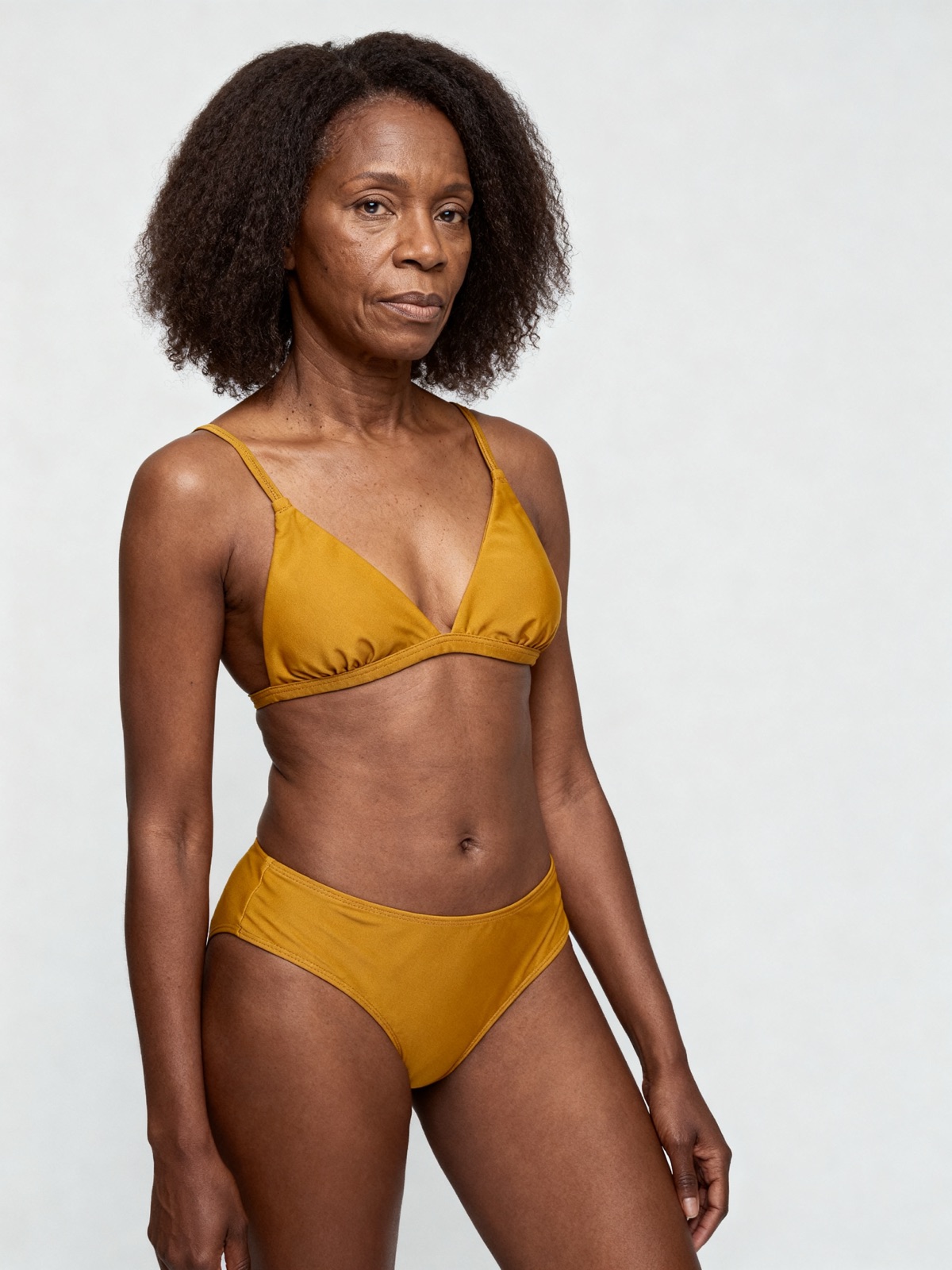
A banner sets the look of the whole store, and it only works when it matches the product photos below it, which for a clothing brand usually means booking the same model and setup again for every season. NotShot renders your garment on your own model from the product photo you already have, so the banner and the store grid can share one model, one framing and one background. Every render is checked by an AI judge that compares it with your upload for color, print and cut, so the banner shows the colors customers receive. Renders below the quality bar are refunded automatically, so you pay for photos that pass the check, not for attempts. Plans are on the pricing page.
