Magento is now documented by Adobe as Adobe Commerce and Magento Open Source, and the product image docs cover both. They don't give one required size. Instead they give example sizes per image role, a zoom rule, and an upload resize setting whose defaults matter a lot for portrait clothing photos. This page collects what the Adobe Commerce docs say, with the date we checked them, and turns it into a shot list for clothing. We make NotShot, an AI on-model photo tool, so we also cover where on-model images fit.
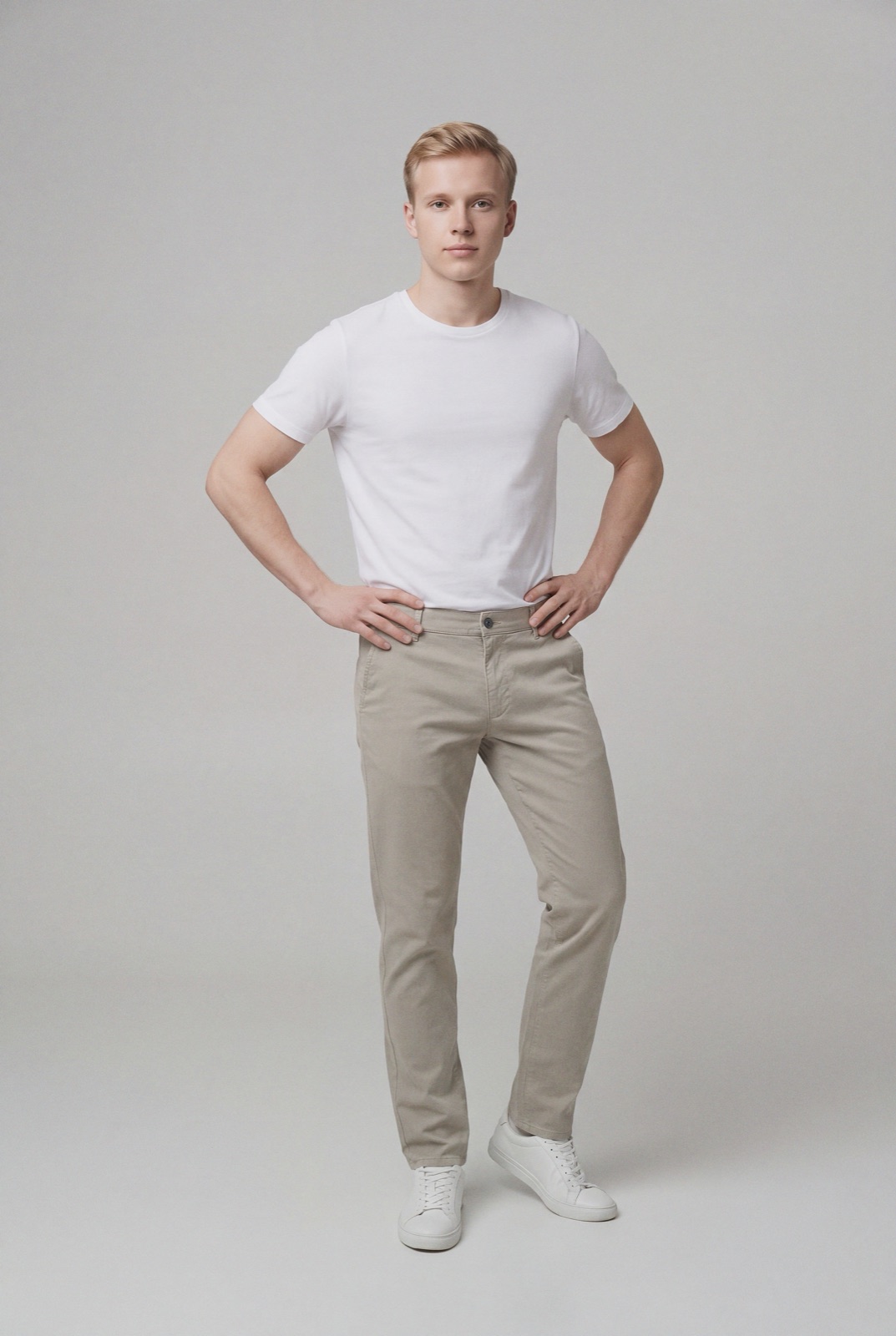
An on-model render made with NotShot, in portrait format. With the default upload resize in Adobe Commerce, a portrait photo is capped at 1200 pixels tall.
Thumbnail: the thumbnail gallery, shopping cart and blocks such as Related Items. Example size 50 x 50 pixels.
Small Image: product images in category and search results listings, and in Up-sells, Cross-sells and the New Products List. Example size 470 x 470 pixels.
Base Image: the main image on the product detail page. Example sizes 470 x 470 pixels without zoom and 1100 x 1100 pixels with zoom.
Swatch: illustrates color, pattern or texture. Example size 50 x 50 pixels.
By default, all roles are assigned to the first image you upload, and you can reassign each role to another image. The examples are square, but the docs call them examples, and your theme decides the real sizes.
Zoom needs a bigger base image
The same page says image zoom is activated if you upload an image larger than the image container, and that depending on the level of zoom you want, the base image should be two or three times the size of the container. Clothing shoppers zoom in on fabric, stitching and prints, so this is the rule that sets your minimum size.
The upload resize and portrait photos
The Product image configuration page (checked by us on 1 November 2026) describes an option that resizes large images as you upload them, keeping the proportions so the image does not exceed the maximum width or height. Its listed defaults:
Enable Frontend Resize: Yes
Maximum Width: 1920 pixels
Maximum Height: 1200 pixels
Quality: 80 for the resized JPG, with 80 to 90 recommended
Those defaults suit landscape images. Clothing photos are usually portrait, so with the default settings their height is what gets capped at 1200 pixels, and the width shrinks with it. If you want more detail for zoom, raise Maximum Height under Stores, Settings, Configuration, Advanced, System, Images Upload Configuration before you upload.
Color profile, file names, alt text and watermarks
From the product image page (checked 1 November 2026):
sRGB: upload all product images with the sRGB color profile. Other profiles are converted during upload, which could cause color inconsistency. For clothing, where the exact shade matters, export in sRGB yourself.
File names: the file name, including the extension, cannot exceed 90 characters.
Alt text: each image has an Alt Text field, used by screen readers and by search engines when indexing the site. Alt text and roles can also be set per store view.
Store views: new images are uploaded and visible in all store views. To hide one from a store view, switch to that view and select Hide from Product Page.
Watermarks: you can add a JPG, GIF or PNG watermark per image role under Content, Design, Configuration.
Images for each color
The configurable product docs (checked by us on 1 November 2026) offer two ways to add images when you create variations: apply a single set of images to all SKUs, or apply unique images by attribute to each SKU, choosing an attribute such as color and adding images for each value. The theme controls what happens in the gallery when a shopper picks a variation: by default the Blank theme replaces the parent images with the variation's images, and the Luma theme puts the variation's images in front of the parent images.
Magento image checklist for clothing
Size: make the base image two or three times your theme's image container, so zoom works.
Resize settings: check Maximum Height before you upload portrait photos, because the default caps it at 1200 pixels.
Color: export in sRGB.
Roles: upload the front view first, since it gets every role by default, then reassign roles if needed.
Colors: use unique images by attribute, with one set per color.
Alt text and names: describe the garment and color in the alt text, and keep file names under 90 characters.
The Adobe Commerce documentation sets no rule about models, so on-model photos can sit next to your product shots and be added per color like any other image. NotShot renders your garment on your own model from the product photo you already have. Every render is checked by an AI judge that compares it with your upload for color, print and cut. Renders below the quality bar are refunded automatically, so you pay for photos that pass the check, not for attempts. Plans are on the pricing page.
Questions we get asked
What size should product images be in Magento?
The Adobe Commerce docs give example sizes per image role: thumbnail 50 x 50 pixels, small image 470 x 470, base image 470 x 470 without zoom or 1100 x 1100 with zoom, and swatch 50 x 50. For zoom, the base image should be two or three times the size of its container. Checked on Adobe Experience League on 1 November 2026.
Why are my Magento product images smaller than the files I uploaded?
Adobe Commerce can resize large images as you upload them. The docs list Enable Frontend Resize as Yes by default, with a maximum width of 1920 pixels and a maximum height of 1200 pixels, keeping the proportions. You can change these under Stores, Settings, Configuration, Advanced, System, Images Upload Configuration.
What color profile should Magento product images use?
The docs recommend uploading all product images with the sRGB color profile. Other profiles are converted to sRGB during upload, which could cause color inconsistency.
How do I show different images for each color in Magento?
When you create a configurable product, choose Apply unique images by attribute to each SKU, select the attribute such as color, and add images for each value, according to the Adobe Commerce configurable product docs.
NotShot is a Berlin-based tool for on-model product photography without the photoshoot. Try NotShot