Big Cartel does not have one banner size. Each theme has its own homepage image, called a hero image, welcome image or slideshow depending on the theme, and Big Cartel publishes a recommended size for each one on the theme's help page. This page collects those sizes for every Big Cartel theme, quoted with the date we checked them, and turns them into a banner plan for a clothing shop. We make NotShot, an AI on-model photo tool, so we also cover where on-model images fit.
Each theme page in Big Cartel's help center (checked by us on 1 November 2026) lists these image sizes. We list the homepage banner or slideshow size first, then the header or logo size, using the names Big Cartel uses:
The Roadie page lists the 10 MB limit but no banner size. On several themes, the header image is a small logo slot, not a wide banner, so the homepage photo for a clothing shop is the hero, welcome or slideshow image.
Every theme page says to make sure your images don't exceed 10 MB (checked 1 November 2026). The Luna, Lunch Break, Neat, Netizen, Picklejuice and Sunscreen pages also say you can upload up to 50 images to create a homepage slideshow and set the speed of the transitions. Sidecar and Trace ask for slideshow images of the same size, so every slide fills the same area.
A JPG at the recommended size stays far below 10 MB. If your theme lists a minimum width only, as Sidecar and Trace do, export larger than the minimum so the garment still looks sharp on a wide screen, and keep every slide at the same pixel size.
Big Cartel's article Customize Your Homepage (checked by us on 1 November 2026) says you change the homepage in your shop's designer, in the homepage section of your template, under names such as Welcome Image, Homepage Image or Banner Image. It advises choosing an image that is clear and high quality, leaves open space for text if your template puts text over the image, and looks good on desktop and mobile. It also says templates may crop homepage images differently depending on the screen size, so keep the main focus in the center and keep important products, faces and text away from the outer edges. Your template settings display the recommended image size.
For clothing, center the model and the full outfit, and leave plain background where the theme places the welcome text. A model standing at the edge of a wide banner is the first thing a phone crops off.
For the product photos under the banner, see Big Cartel product image size for clothing. Comparing platforms? See Ecwid banner image size, Wix banner image size and Squarespace banner image size. Also selling on Etsy? See Etsy banner size. For lighting and backdrops, see our clothing product photography guide.
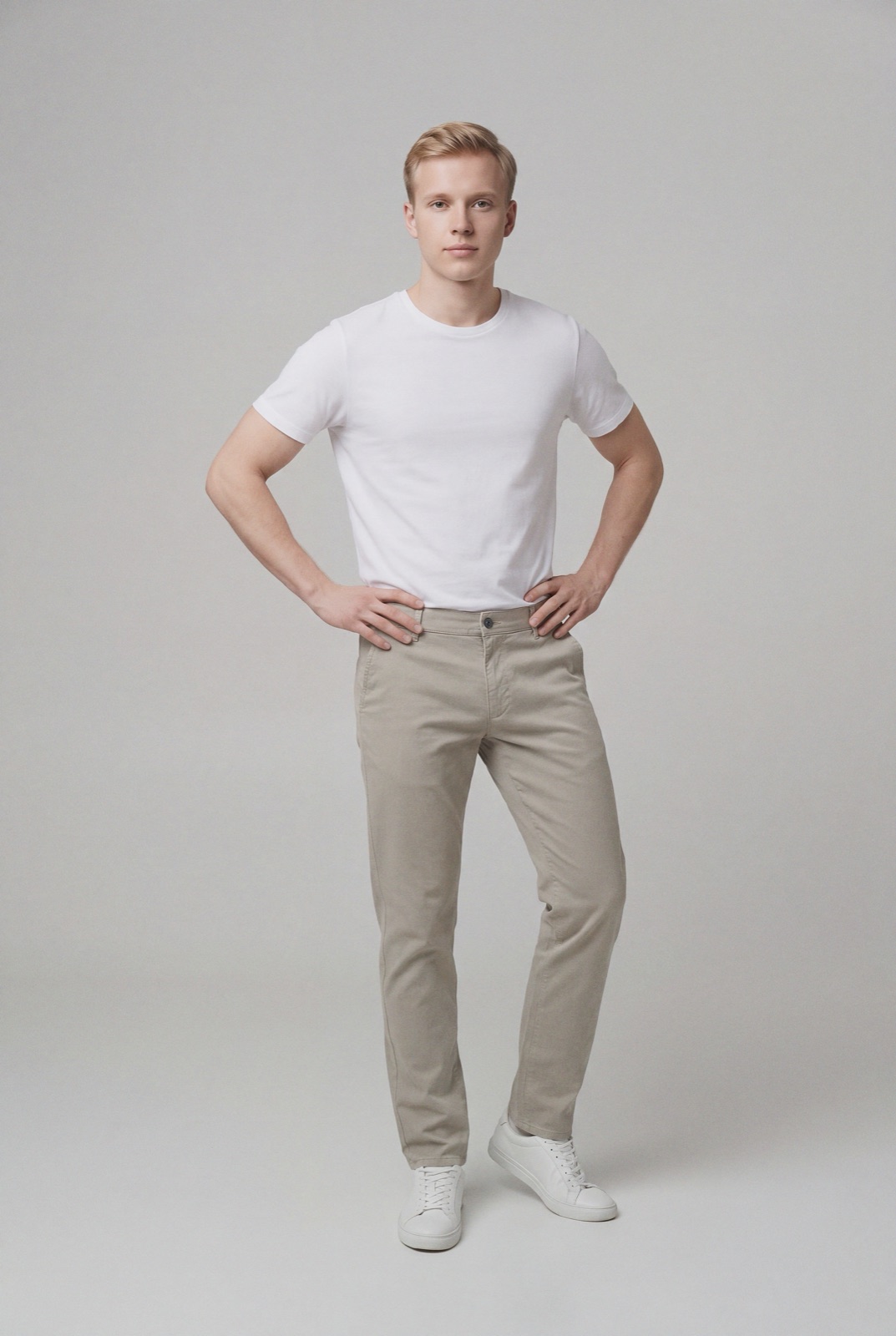
A homepage slideshow for a clothing shop needs a new on-model photo for every drop, all in the same shape and on the same model, and each one usually means a shoot. NotShot renders your garment on your own model from the product photo you already have, so the welcome image and every slide can share one model, one framing and one background. Every render is checked by an AI judge that compares it with your upload for color, print and cut, so the banner shows the colors customers receive. Renders below the quality bar are refunded automatically, so you pay for photos that pass the check, not for attempts. Plans are on the pricing page.
