Big Cartel is built for independent makers and small clothing labels, and its image rules are short: a file size cap, three file types and a recommended width. The part that catches clothing shops out is how many photos each plan actually shows. This page collects what Big Cartel's own help center says, quoted with the date we checked it, and turns it into a photo set for clothing. We make NotShot, an AI on-model photo tool, so we also cover where on-model images fit.
Big Cartel's help article Add and Update Products (dated 13 February 2025 by Big Cartel, checked by us on 1 November 2026) lists these product image requirements:
Big Cartel's theme guides for Luna, Neat and Cosmos repeat the same file types and the 10 MB limit (checked 1 November 2026). For clothing, a 1000 pixel wide image is the floor rather than the target if you turn on product image zoom, which every one of those themes offers. A wider export shows more of the knit, weave or print when a shopper zooms in. Keep each file under 10 MB, which matters most with .png, since photos saved as .png get large quickly.
This is the rule that shapes a clothing listing most. Big Cartel's article Importing products (dated 13 February 2025 by Big Cartel, checked by us on 1 November 2026) says all paid plans support up to twenty-five product images per listing, but the number displayed in your store depends on your plan:
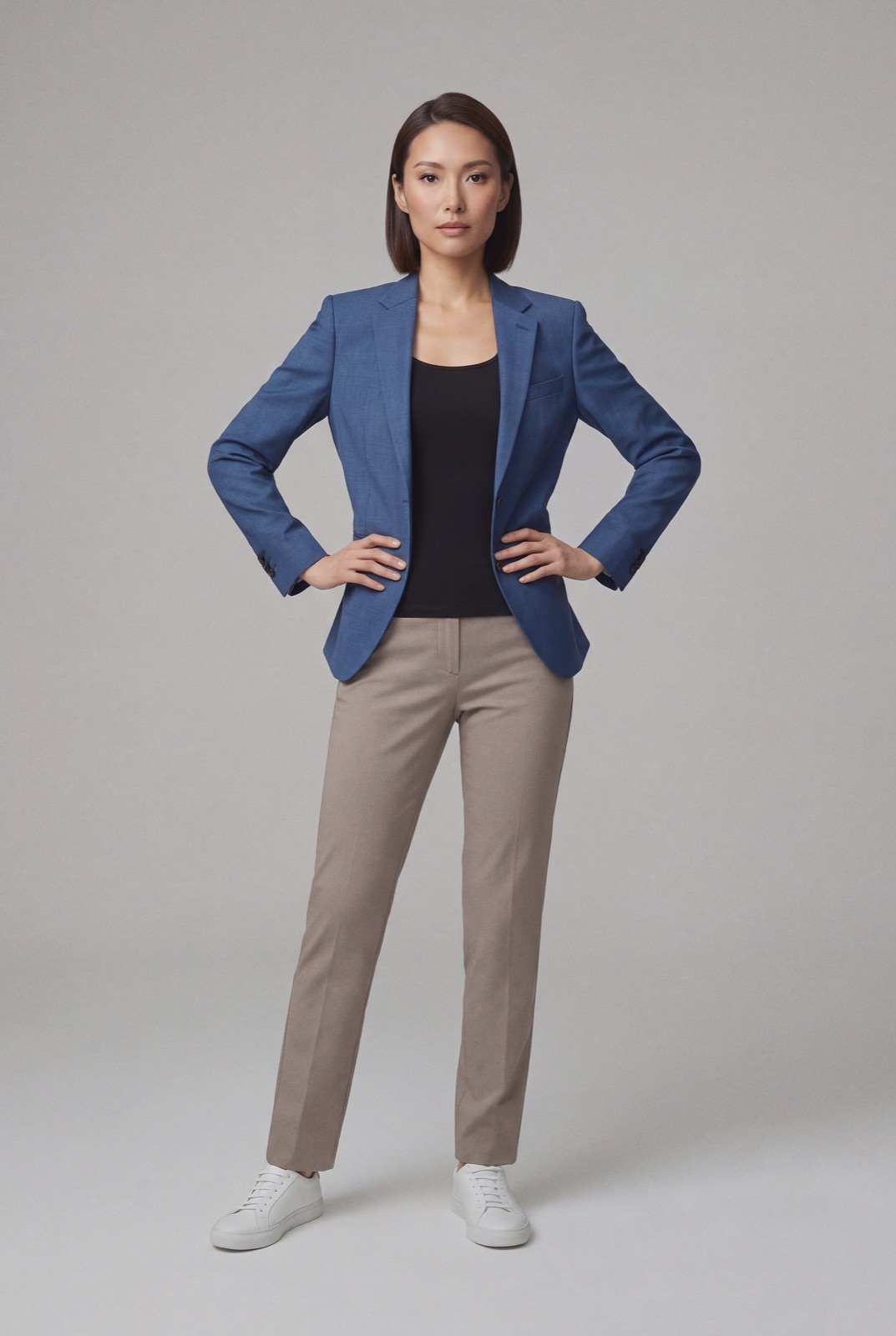
With one image, there is no room for a front view, back view and detail. That single photo has to show the garment clearly and show how it fits, which usually means an on-model front view rather than a flat lay. With five, you can cover the views shoppers look for before buying clothes.
Big Cartel themes have a product grid image style setting that controls how images display in the product grid, plus settings for products per row on desktop and mobile (Luna and Neat theme guides, checked 1 November 2026). Whatever style you pick, shoot every product at the same aspect ratio and framing. A shop grid where one dress is cropped at the knee and the next shows the full length looks unfinished, and a tall garment can lose its hem if the image is cropped to fit the grid. Check one full-length item on your live theme, on a phone too, before you photograph the whole collection.
That fills the five images Platinum displays. If you sell each colorway as its own product, give every color its own main image rather than reusing one photo.
Comparing platforms? See Shopify product image size, Squarespace product image size for clothing, Wix product image size for clothing and WooCommerce product image size for clothing. On BigCommerce? See BigCommerce product image size for clothing. On Ecwid? See Ecwid product image size for clothing. Selling on Etsy too? See Etsy photo requirements for clothing. Also selling on Etsy? See Etsy banner size. Need a homepage banner too? See Big Cartel banner and slideshow image size. For lighting and backdrops, see our clothing product photography guide.
A small label on Big Cartel often has one or two photos per product and no budget for a model shoot every drop. NotShot renders your garment on your own model from the product photo you already have, so each item and each colorway can get an on-model main image with the same model across the shop grid. Every render is checked by an AI judge that compares it with your upload for color, print and cut, so the photo shows the garment the customer receives. Renders below the quality bar are refunded automatically, so you pay for photos that pass the check, not for attempts. Plans are on the pricing page.
