Sellers search for a Depop photo size, but Depop's help center does not publish one. What it does publish matters more for clothing: how many photos you can add, a strict rule on original photos, and the fact that your first photo is the one Visual Search matches against. This page collects what Depop's own help center says, quoted with the date we checked it, and turns it into a shot list for clothing. We make NotShot, an AI on-model photo tool, so we also say plainly where it fits on Depop and where it doesn't.
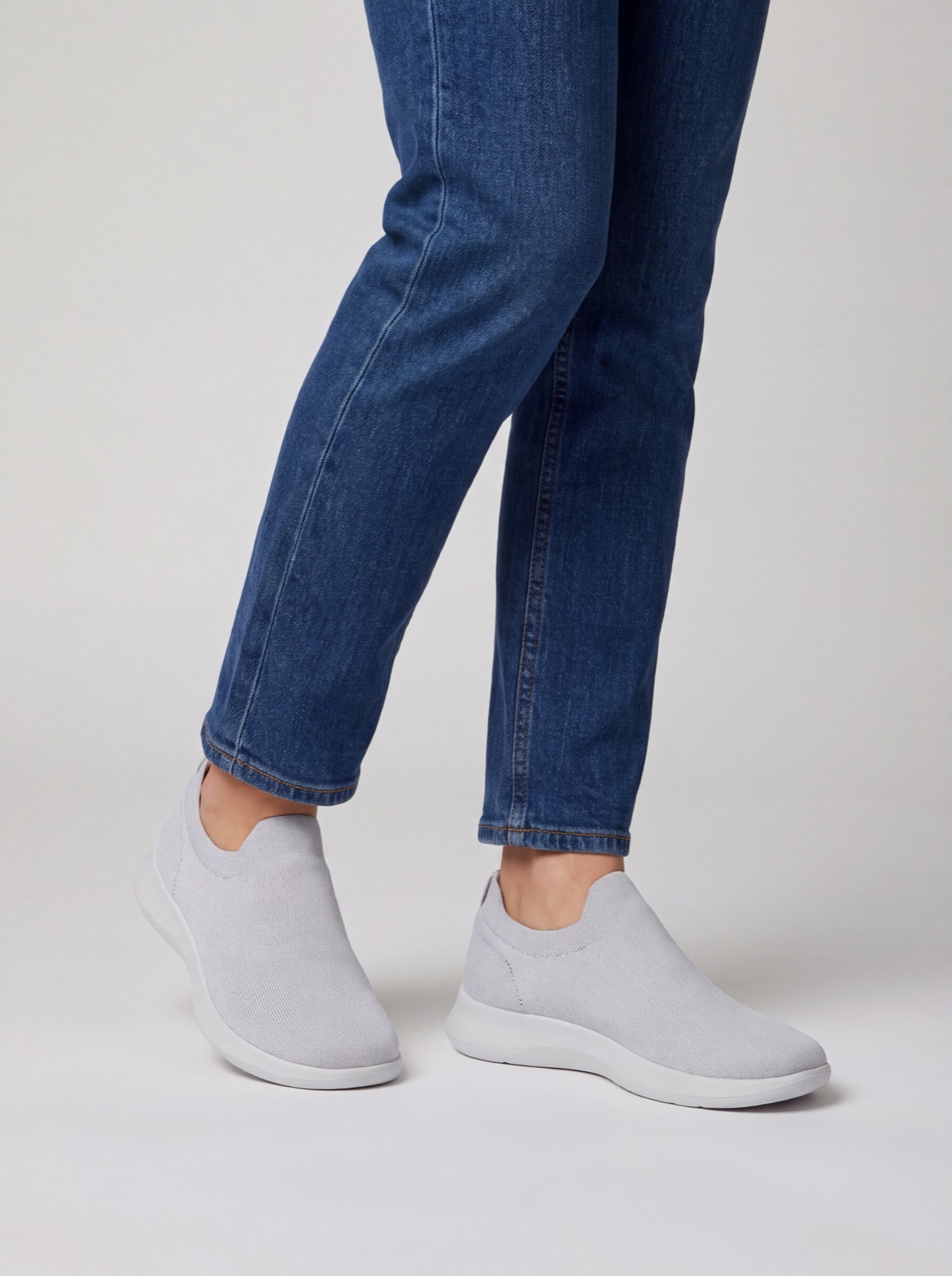
No. We checked Depop's help center articles on listing, photos, search ranking and Visual Search on 1 November 2026, and none of them states a pixel size, aspect ratio or file size limit for listing photos. Depop's web listing flow lets you crop each photo after upload, according to its article Listing on web (last updated by Depop on 4 November 2025, checked by us on 1 November 2026).
In practice, shoot on a recent phone at full resolution and frame the garment with room around it, so a crop to the shape Depop's app shows does not cut off the hem or sleeves. Check one listing on your own phone before you photograph a whole drop.
Depop's article How to list an item (last updated by Depop on 11 September 2026, checked by us on 1 November 2026) says:
Four photos is not many for a piece of clothing, so plan them. A front view, a back view, the label and the one flaw or detail a buyer would ask about is a good use of the four app slots. If you list on the web, the extra four slots can cover measurements laid flat, the fabric close up and an outfit shot.
This is the rule that decides what you can upload. Depop's article What are 'stock images'? (last updated by Depop on 13 May 2025, checked by us on 1 November 2026) calls photographs the DNA of Depop and asks sellers to only use photos taken by themselves, not images lifted from other online sources. Depop's Community Guidelines (last updated by Depop on 21 May 2025, checked by us on 1 November 2026) say every listing should use original images, never stock photos or copied listings. Depop's article Selling on Depop (last updated by Depop on 5 June 2026, checked by us on 1 November 2026) adds that a listing will be removed if it uses stock images, and asks sellers to include photos of any labels, tags and faults.
For clothing, that means photos of the actual piece you are selling, taken by you, including the brand label and any faults. A brand's catalog photo of the same item is a stock image on Depop, even if it shows your exact style and color.
Depop's article How to use Visual Search on Depop (last updated by Depop on 16 September 2026, checked by us on 1 November 2026) says Visual Search is available in the iOS app, and that the first photo on your listing is what Depop matches against a buyer's image. Depop recommends making photo one a clear, well-lit shot of the item itself, and notes that heavy filters can change the color it matches against.
So put a clean, full view of the garment first, with no filter and nothing else in frame competing for attention. Save the styled outfit shot for later in the set.
Depop's article Improving the search ranking of your items (last updated by Depop on 21 August 2026, checked by us on 1 November 2026) asks sellers to show the item from every angle, highlight details and flaws, and include measurements. Depop's article on significantly not as described items (last updated by Depop on 30 January 2026, checked by us on 1 November 2026) says it is the seller's responsibility that photos and description accurately reflect the item, and that Depop can refund the buyer when an item differs greatly from the photos. Honest photos of wear and flaws protect the sale as well as the ranking.
Selling on other platforms too? See how to photograph clothes for Vinted, Poshmark photo size, Mercari photo tips, how to photograph clothes for eBay and Etsy photo requirements for clothing. For lighting and backdrops, see our clothing product photography guide.
For a typical Depop listing, it doesn't. Depop asks for original photos you took of the actual item, and an AI render of a secondhand garment can't show its wear, its label or its flaws. Your phone, daylight and the shot list above are the right tools. NotShot is built for brands and shops selling new clothing on their own store: it renders your garment on your own model from the product photo you already have, and every render is checked by an AI judge that compares it with your upload for color, print and cut. Renders below the quality bar are refunded automatically. Plans are on the pricing page.
