On Vinted, your photos do most of the selling: buyers scroll a feed of pictures and open the ones that look clear and honest. This page collects what Vinted's own help pages say about listing photos, quoted with the date we checked them, and turns it into a simple shot list for clothing. We make NotShot, an AI on-model photo tool, and we say plainly below why it is not the right tool for a typical Vinted listing.
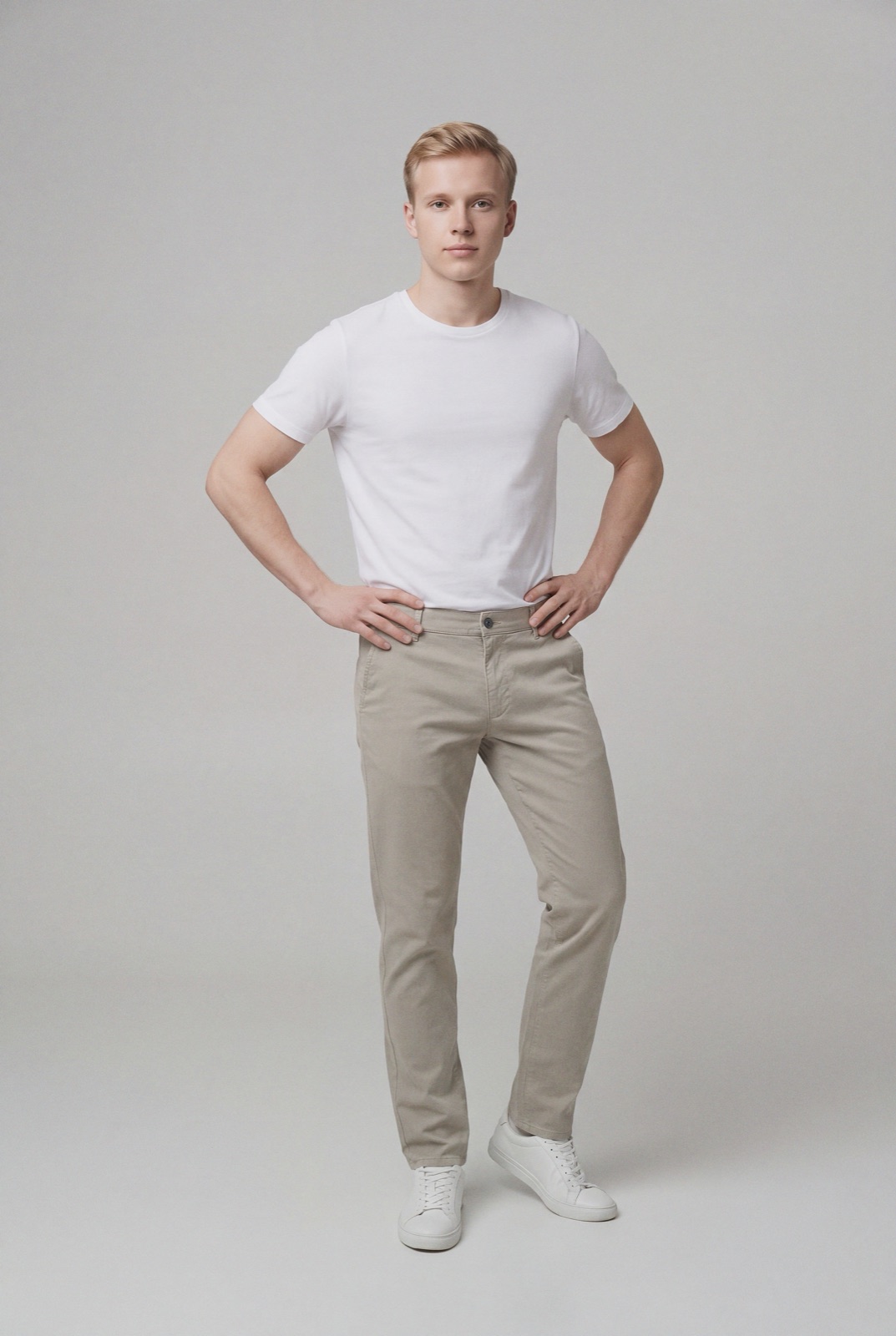
An on-model render made with NotShot, shown for framing only. For a used item on Vinted, use your own photos of the actual piece.
Up to 20 photos per listing. More informative, good quality photos help you get a buyer's attention and sell faster.
First photo, full view: show the entire item in the first picture. No collages.
Your own photos: don't use stock or watermarked images or other pictures found online. Vinted notes they are copyrighted and may not show the current condition of your item.
True colors: pick photos taken in natural daylight over lamplight, and don't use flash or filters.
Several angles make the listing more complete.
Close-ups of features not visible in other photos, such as the logo, care label or stitching, with any text readable.
Defects: show them. If you don't, the buyer might cancel the order and return the item.
Privacy: it is a good idea to avoid showing your face. A hanger, mannequin or flat lay is a good alternative to modeling the item yourself.
Flaws, duplicates and the automated check
Vinted's Uploading step by step page (checked 1 November 2026) adds a few points that matter for clothing:
Show any flaws or defects in the photos and mention them in the description. If the item is significantly not as described, the buyer might return it for a refund.
Identical items can't be listed twice. If you have the same item in several sizes, photograph all the size labels in one listing. For similar colors, take photos from different angles and add the color to the description.
A new listing may go through an automated check against Vinted's guidelines. Vinted says this normally takes up to 1 minute but can take up to 3 or 4 days in some cases.
Branded and designer clothing
For branded items, Vinted's page How to take photos of branded items (checked 1 November 2026) asks for more. Post the entire item from the front first, then the back in the next photo, then at least 3 close-ups that show authenticity. For clothing, lingerie and swimsuits, Vinted lists these details:
Logo patch or logo embroidery
Label on the neckline or waistline
Stitching lines
Care tag
Purchase receipt or price tag
Zippers, buttons or similar details
Vinted says it may hide or delete a listing if the photos don't show the item's authenticity, and may suspend an account that repeatedly refuses to show proper pictures. Add proof of purchase whenever you can.
A Vinted shot list for clothing
Full front view of the whole garment, on a hanger, flat lay, mannequin or worn, in daylight.
Back view.
Brand and size label at the neckline or waistband, close enough to read.
Care tag, which also shows the fabric content.
Fabric or print close-up, so buyers can judge texture and color.
Closures: zipper, buttons or drawstring.
Every flaw, each in its own close-up: pilling, marks, loose threads, fading.
Worn shot for fit, if you are comfortable with it, cropped above the face.
For a typical Vinted listing, it doesn't. Vinted asks for your own photos that show the current condition of the actual item, and an AI render of a used garment can't show its wear or flaws. Your phone, a window and the shot list above are the right tools. NotShot is built for brands and shops selling new clothing: it renders your garment on your own model from the product photo you already have, and every render is checked by an AI judge that compares it with your upload for color, print and cut. Renders below the quality bar are refunded automatically. Plans are on the pricing page.
Questions we get asked
How many photos can you add to a Vinted listing?
Up to 20 photos per listing, according to Vinted's help pages checked on 1 November 2026. For clothing, 6 to 10 well chosen photos usually cover the front, back, labels, details and any flaws.
What should the first photo on Vinted be?
Vinted asks you to show the entire item in the first picture and not to use collages. For clothing, that is a full front view of the garment, on a hanger, a mannequin, a flat lay or worn.
Do I have to show my face in Vinted photos?
No. Vinted suggests avoiding your face for privacy, blurring or cropping identifiable features if you like, and says a hanger, mannequin or flat lay is a good alternative to modeling the item yourself.
Can I use stock or AI photos on Vinted?
Vinted says to use your own pictures and not stock, watermarked or other images found online, because they may not show the current condition of your item. The Vinted pages we checked don't mention AI images, but the same logic applies to a used item: buyers need to see the actual piece. Photograph it yourself.
NotShot is a Berlin-based tool for on-model product photography without the photoshoot. Try NotShot