On Mercari, the first photo decides whether a shopper taps your listing at all. This page collects what Mercari's own Help Center says about listing photos, quoted with the date we checked it, and turns it into a shot list for clothing. We make NotShot, an AI on-model photo tool, and we say plainly below when it helps on Mercari and when your phone is the better tool.
Mercari's Help Center guide Creating a Listing (checked 1 November 2026) gives these points:
The Mercari Help Center pages we checked on 1 November 2026 don't publish a pixel size, file size or aspect ratio for listing photos. Our suggestion, not a Mercari rule: shoot with your phone's main camera, keep the whole garment in frame with some space on every side so it survives any crop in search results, and look at the listing preview before you publish. Don't upscale small images, and keep the garment large in the frame rather than zooming in after the fact.
Mercari's Copyright and Trademark Tips for Trouble-free Listings (checked 1 November 2026) says to use photos you have taken yourself. Listings with images or descriptions copied from brand owners' websites, or from someone else's listing, can be reported to Mercari and removed, even if you gave credit or found the image on the internet. For a used garment, a brand's catalog photo also doesn't show the condition the buyer will receive.
According to How do I share photos with my buyers? (checked 1 November 2026), Mercari doesn't offer photo sharing in messages, for customer safety. If a buyer asks for more photos and you have reached the maximum, Mercari suggests swapping in new ones, or using a collage to fit more detail into a single image. A detail collage is a good use of slot 12: label, care tag and fabric in one image.
Fresh photos also help visibility. Mercari's article on how search spotlights your items (checked 1 November 2026) asks for clear descriptions and high-quality images that truly represent your items, and suggests updating listings with new information or fresh photos over time.
That leaves a few of the 12 slots free for the photos buyers ask for. For lighting and backdrops, see our clothing product photography guide, and for hanger, mannequin or model, see mannequin vs model photos for clothing. Selling on other platforms too? See Poshmark photo size, how to photograph clothes for Vinted, Depop photo size and listing photos and how to photograph clothes for eBay.
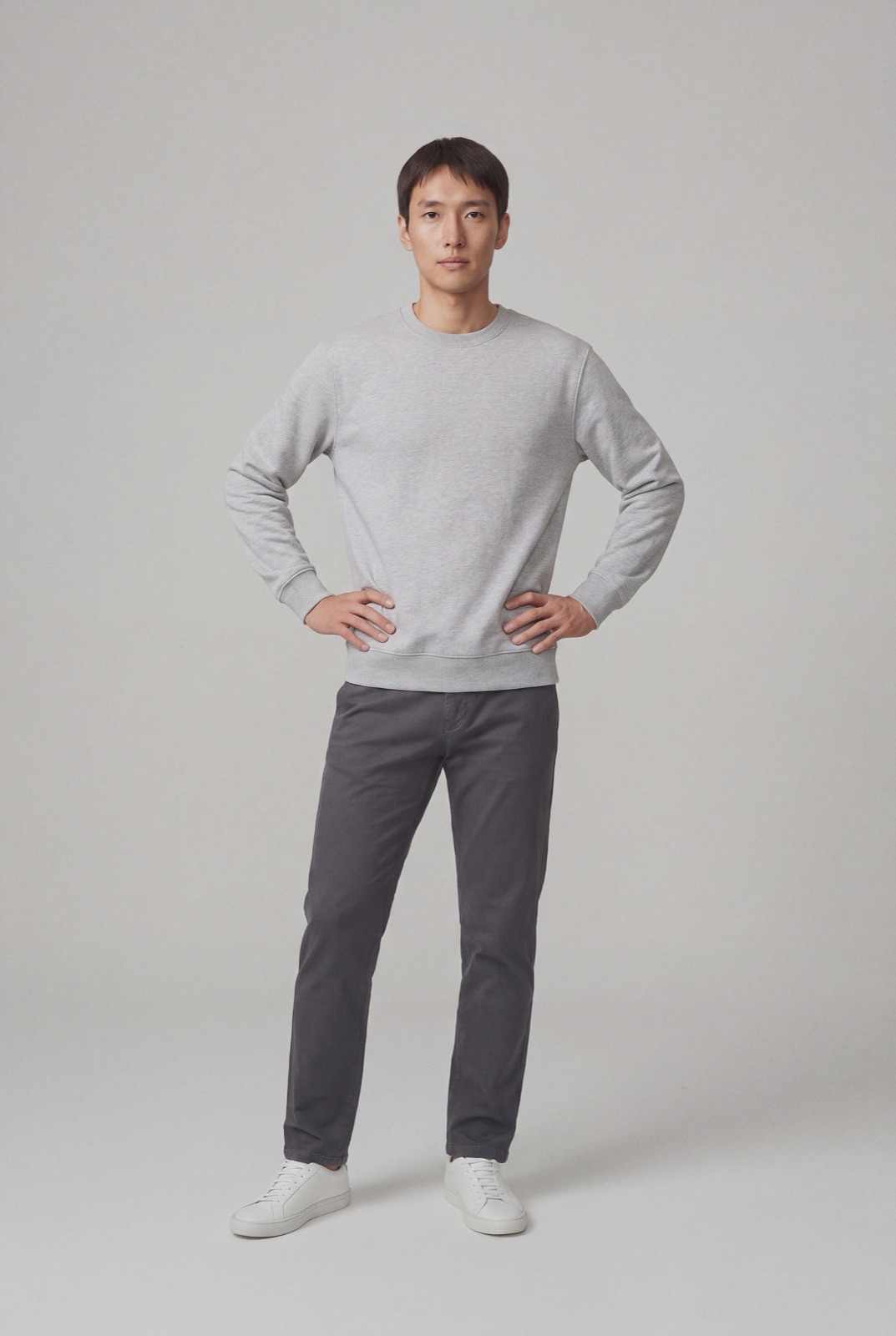
If you resell used clothing one piece at a time, your phone, a window and the shot list above are the right tools: buyers need to see the actual piece and its condition. NotShot is built for brands and shops selling new clothing. It renders your garment on your own model from the product photo you already have, so new stock can get a consistent on-model photo next to your own photos of it. Every render is checked by an AI judge that compares it with your upload for color, print and cut. Renders below the quality bar are refunded automatically. Plans are on the pricing page.
