Walmart Marketplace has one of the stricter image specs among the big US marketplaces: square images, a pure white main image background and a high recommended resolution. This page collects the requirements from Walmart's own seller guide, quoted with the date we checked them, and explains what they mean for clothing. We make NotShot, an AI on-model photo tool, so we also cover what Walmart says about AI-generated images.
Walmart's guide Product detail page: Image guidelines and requirements (last updated by Walmart on 12 May 2026, checked by us on 1 November 2026) lists these file requirements:
For clothing, export every image as a square 2200 x 2200 JPEG under 5MB. A tall dress or a full-length outfit has to fit a square frame, so leave room above and below the figure when you shoot rather than cropping later.
The same guide sets rules for the main image (checked 1 November 2026):
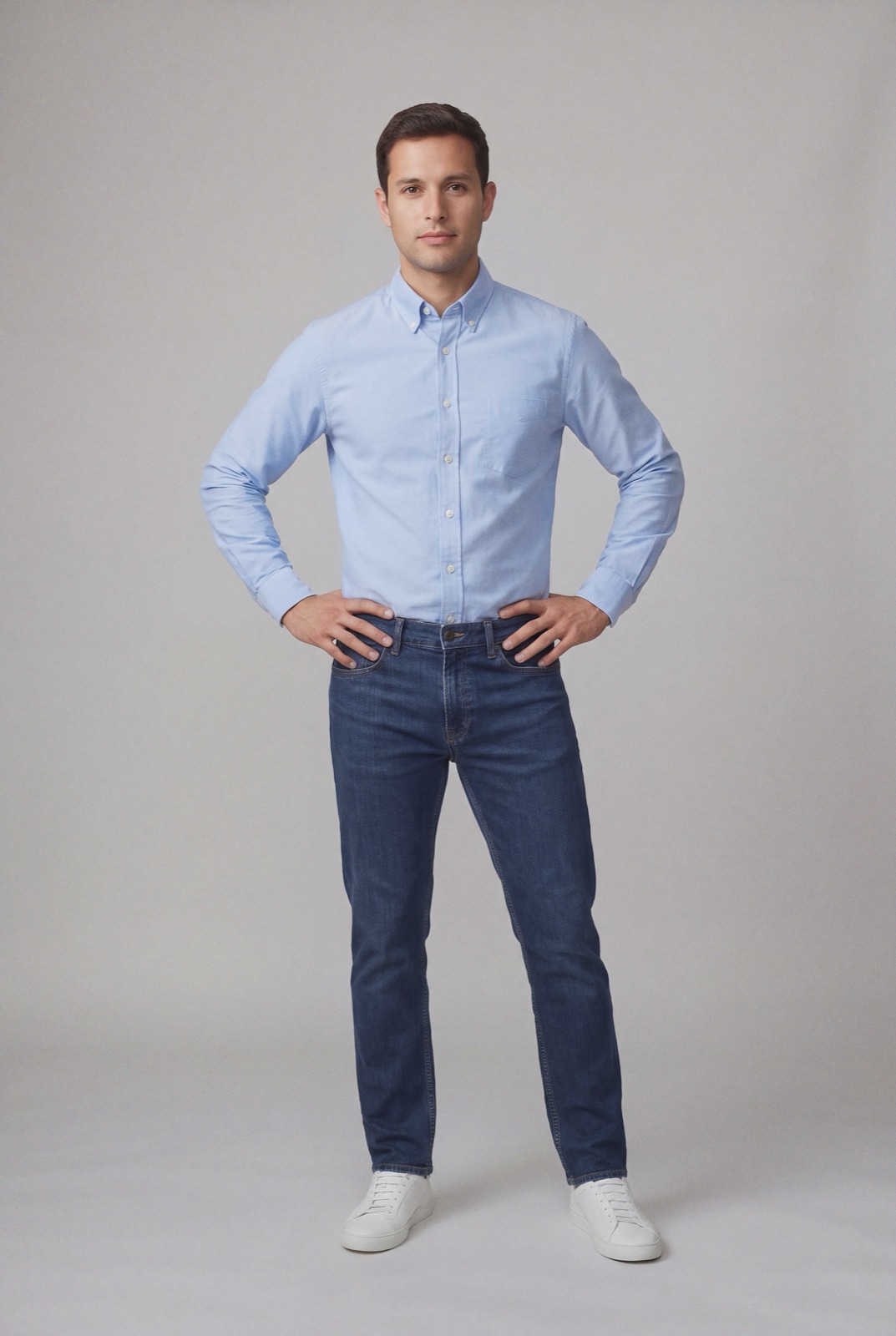
For clothing, the accessory rule is the one to watch. If your model wears a belt, bag or jewelry you don't sell with the garment, keep it out of the main image. A clean front view on white, from a ghost mannequin, flat lay or a model, is the safe choice.
Walmart's FAQ on the same page says stock photos are not allowed: you must use actual product images that accurately reflect the product being sold. It also says some product categories have additional requirements, and that images which don't comply may get products unpublished. Check your category in Walmart's content standards before a large upload.
Walmart addresses AI directly. The guide says AI-generated content must be accurate, truthful, rights-compliant and aligned with Marketplace policies, and that images generated by artificial intelligence must be truthful, accurate and not misleading (Walmart Marketplace Learn, checked 1 November 2026).
So AI images are not banned, but they are held to the same standard as any photo: the garment in the image has to be the garment the customer receives, in the same color, print and cut. Taken together with the stock photo rule, the practical setup is real photos of your actual product, with AI on-model images that are faithful to it.
That covers Walmart's recommended minimum of four images, plus swatches. If you sell on several channels, compare with Amazon fashion image requirements, how to photograph clothes for eBay and Shopify product image size. Selling in Europe? See Zalando image requirements. Selling on TikTok Shop? See TikTok Shop product image size for clothing. Running Shopping ads too? See Google Shopping image requirements. For setup and lighting, see our clothing product photography guide.
NotShot renders your garment on your own model from the product photo you already have, so your on-model images come from a photo of the actual product. Every render is checked by an AI judge that compares it with your upload for color, print and cut, which is what Walmart's truthful and accurate rule asks of AI images. Renders below the quality bar are refunded automatically, so you pay for photos that pass the check, not for attempts. Plans are on the pricing page.
