Your product image is what shoppers see first in Google Shopping ads and free listings, and an image that breaks the rules gets the product disapproved. This page collects Google Merchant Center's image requirements, quoted with the date we checked them, and explains what they mean for clothing. We make NotShot, an AI on-model photo tool, so we also cover Google's rule on AI-generated images.
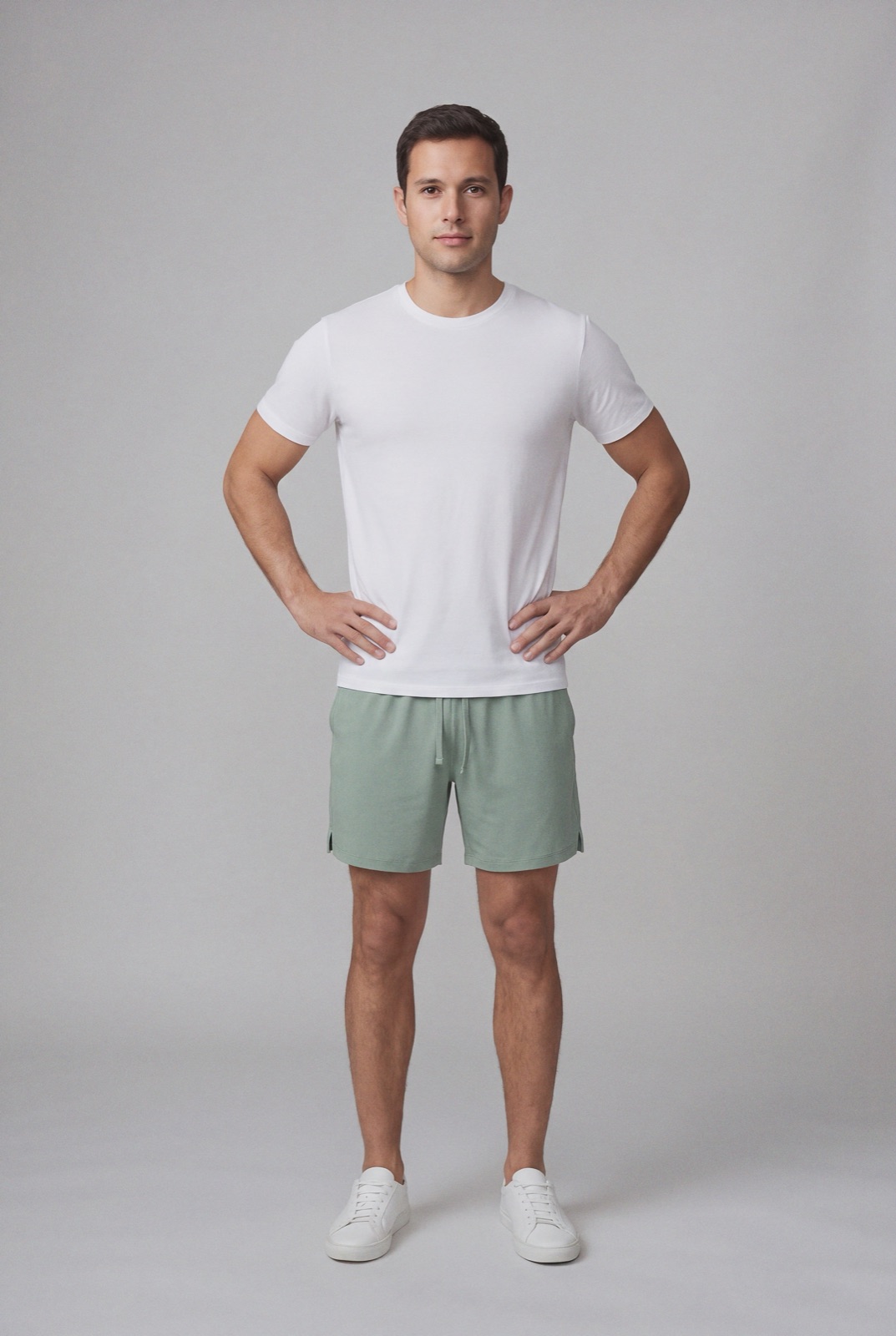
Google's help page Image link [image_link] (checked 1 November 2026) sets these limits for the main product image:
For clothing, a square 1500 x 1500 JPEG or larger is the simple choice. If your store already exports 2048 x 2048 images for Shopify, those work as they are.
Google uses three image attributes (same source, checked 1 November 2026):
For clothing, put a clean front view in image_link, back and detail views in additional_image_link, and an on-model or styled shot in lifestyle_image_link.
Google says the main image must give an unobstructed, clean view of the item for sale. These are listed as causes of disapproval (checked 1 November 2026):
The last rule matters for outfit shots. If your model wears a jacket, bag or shoes that aren't part of the item, use a cleaner image for image_link and keep the styled outfit for lifestyle_image_link.
Google asks for a distinct image for every variant (checked 1 November 2026). The image should match the exact color, pattern, finish and material of the option being sold, show only that one variant, and not be a group shot of several colorways. For clothing that means one photo per color, not one photo for the whole style. Google also recommends that the product take up no less than 75% and no more than 90% of the image, and notes that it may test subtle cropping to frame the item.
Google Merchant Center has a specific rule: all images created using generative AI must contain metadata indicating that the image was AI-generated, for example the IPTC DigitalSourceType value TrainedAlgorithmicMedia. Google also says not to remove embedded metadata tags such as the IPTC DigitalSourceType property from images made with generative AI tools (Google Merchant Center Help, checked 1 November 2026).
In practice: if you use AI on-model images in your feed, check that the files keep that metadata all the way to the URL Google fetches. Image editors, compressors and some platform pipelines strip metadata on export, so test a final image URL with a metadata viewer. Ask your AI tool vendor whether it writes the tag, and don't strip it yourself.
Selling on marketplaces too? Compare with Amazon fashion image requirements, Walmart image requirements, Zalando image requirements, TikTok Shop product image size, how to photograph clothes for eBay, Shopify product image size, WooCommerce product image size for clothing and Squarespace product image size for clothing. Selling through Facebook and Instagram shops? See Facebook and Instagram product image size for clothing. Promoting the same pieces on Pinterest? See Pinterest pin size for clothing. For lighting and backdrops, see our clothing product photography guide.
Google wants a distinct, accurate image for every variant, which is where a fashion catalog gets expensive to shoot. NotShot renders your garment on your own model from the product photo you already have, so each colorway can get its own on-model image with the same model. Every render is checked by an AI judge that compares it with your upload for color, print and cut, which is the variant accuracy Google asks for. Renders below the quality bar are refunded automatically, so you pay for photos that pass the check, not for attempts. Plans are on the pricing page.
